
Department guide · AI tools
AI on a working unit: what it saves, where it fails, who signs it off.
We are pro-AI, and we teach it from the floor: what it does well, where it fails, and the rules around it. Consent, credit and a person signing off every frame, edit and mix.
Learning path · free · 18 films
Prompting and directing AI shots
Direct generative video like a film-maker: one prompt skeleton, shots driven by reference, continuity from assets, and hybrid live action. Last checked 11 November 2026.
Career ladder
Where the work sits
Not a department with its own grades. AI tools sit inside editing, sound, VFX, production and development, and the person in that grade signs off the work.
AI in production: our position · Every department's ladder: Careers A–Z · Getting work · Working freelance
Learn it, step by step
6 paths- VFX · New to set to working crewPrompting and directing AI shots18 lessons · about 2 hours · freeStart path
 Camera · New to set to working crewAI for camera departments12 lessons · about 3.5 hours · freeStart path
 Editorial and post · New to set to working crewAI in post16 lessons · about 1.5 hours · freeStart path
 Production · New to set to working crewAI for producers12 lessons · about 8 hours · freeStart path
 Production · New to set to working crewRights, consent and disclosure11 lessons · about 3 hours · freeStart path
 Editorial and post · New to set to working crewAI tools in film and TV production18 lessons · about 3 hours; refreshed monthly · freeStart path
Safety first
Consent, likeness, data and rights
AI tools don't drop things on people, but they can harm them: copying a face or voice without consent, leaking a script, breaking data protection law, or putting someone else's copyright in your film. These are the rules to follow before you open a tool on a production.
Watch first
Module 1 of AI tools in film and TV production. Mark them done there to track your progress.
- 40:13Cloned Without Consent, with Voice Actor Faye Dicker and Equity's Shannon SailingBRAVA · 40:13
 7:49UK actors' union votes on vote on AI protections amid fears over digital rightsAl Jazeera English · 7:49
- 4:07CopyrightIntellectual Property Office UK · 4:07
The hazards
6What hurts people in this department on UK sets, and what keeps them safe.
- Faces, bodies and voicesA person's likeness and voice are theirs. Get informed, written consent for each use, paid where it's work. Equity's AI toolkit and its 'Stop AI Stealing the Show' campaign set out what performers expect.
- Personal dataCast and crew details, faces and voices are personal data under UK GDPR; face and voice data used to recognise someone is special category data. Don't upload them to a tool unless the production has checked it and has a lawful basis (ICO guidance).
- Confidential materialScripts, schedules and rushes are covered by contracts and NDAs. Some tools keep or train on what you upload. Use only tools and settings the production has approved.
- CopyrightOutputs can copy other people's work, and the law on training and ownership is still being decided in the UK (the government consulted on copyright and AI in 2024 to 2025). Check what the commissioner allows, and keep a record of the tools and prompts used.
- DeepfakesSharing a sexually explicit deepfake of a real person without consent is a criminal offence in England and Wales under the Online Safety Act 2023. Never make or share one, even as a joke.
- Disclosure and jobsBroadcasters and commissioners ask what was made with AI: tell them. Bectu, Equity and the Writers' Guild all have guidance; read your union's before you use AI on someone else's work.
Who is responsible
- The producer decides which tools are approved, and is responsible for rights and data on the production.
- Whoever uses a tool checks consent, data and rights before they upload anything.
- Performers decide what happens to their face, body and voice.
As a trainee, never
- Never clone, alter or generate a real person's face or voice without their written consent.
- Never upload scripts, rushes or crew data to an unapproved tool.
- Never make or share a deepfake of a real person.
Anyone can say stop. If something feels wrong, say so to your head of department or the 1st AD.
Where this comes from
- Equity AI toolkitAdvice on digital likeness scanning, voice capture and generative AI.
- Equity: Stop AI Stealing the ShowThe union's campaign for personality rights over voice, face and body.
- ICO: artificial intelligenceThe Information Commissioner's guidance on AI and UK GDPR.
- ICO: biometric data guidanceWhen face and voice data used to recognise someone is special category data.
- GOV.UK: copyright and artificial intelligence consultationThe UK government's consultation; check for the latest position before relying on it.
- Online Safety Act 2023Including the offence of sharing intimate deepfakes.
- Bectu and the Writers' Guild of Great Britain: AI guidanceThe crew and writers' unions' positions on AI at work.
Checked 13 November 2026. This is awareness, not a safety qualification: follow your production's risk assessment and your head of department.
Start here
5 items AI & ML: Using AI to make TVBBC Research & Development · Lesson5 min.
 What are Content Credentials?BBC Research & Development · Lesson3 min.
 Ellie Peers on writers and AIWriters' Guild of Great Britain · Lesson3 min.
 Paul W. Fleming explains the challenges of unchecked AIEquity UK · Lesson4 min.
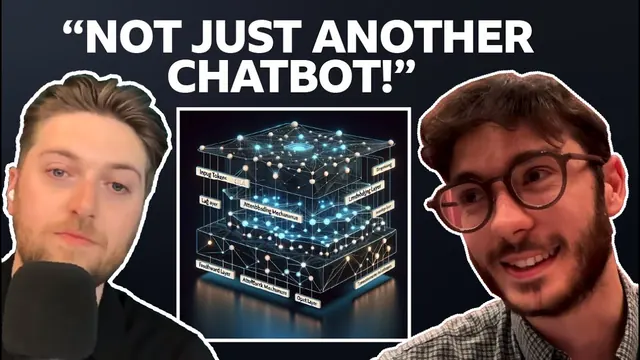 What is an LLM? How BBC R&D is shaping the future of AIBBC Research & Development · Lesson25 min.
AI tools, in detail
What this guide is
AI isn't a department with its own grades. It's a set of tools inside most departments: the edit, sound, VFX, the production office, development. This guide sorts them by stage and points to films that show them working.
For our position, the rules and the record of what the industry has said, read the AI in production pages: start here, on set and in post, consent and credit and what the industry says.
Three things don't change whatever the tool: consent before anyone's face, voice or performance is used; credit for the people whose work it is; and a person signs off every frame, edit and mix.
Editing assist
9 items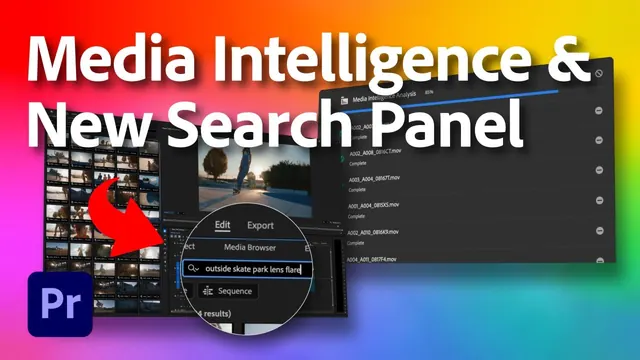 Media Intelligence & New Search Panel | Premiere Pro (Beta) | Adobe VideoAdobe Video · Lesson1 min.
 Hand Off Clip Prep to the AI Assistant in Premiere | Adobe VideoAdobe Video · Lesson3 min.
 Generative Extend | Premiere Pro 2025 Updates | Adobe VideoAdobe Video · Lesson1 min.
 NEW IN MEDIA COMPOSER — Edit from the Transcript ToolAvid · Lesson1 min.
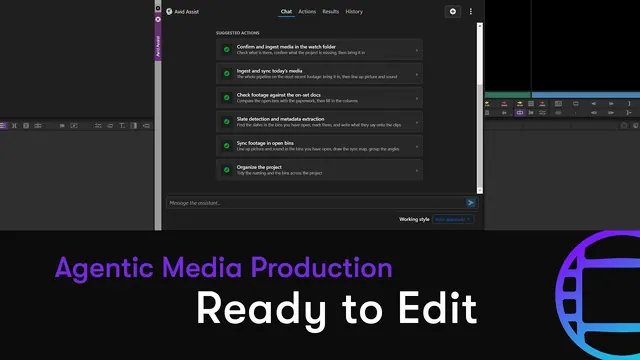 Avid’s Ready to Edit helps editors sync media, transcribe and align dialogue, and organize binsAvid · Lesson3 min.
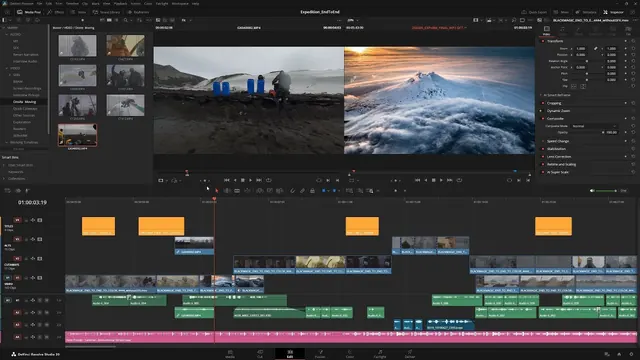 What's New in DaVinci Resolve 20.2Blackmagic Design · Lesson8 min.
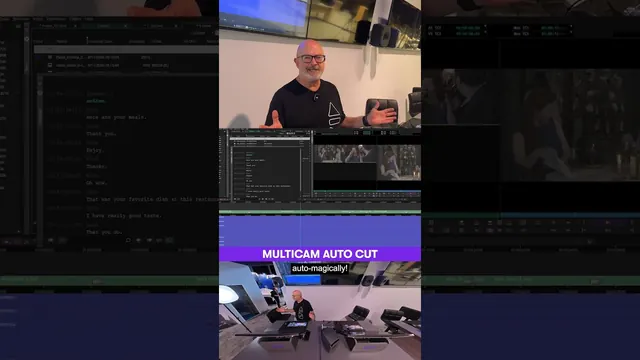 NOW AVAILABLE ️ PhraseFindAI Multicam Auto Cut in Media ComposerAvid · Lesson1 min.
 Automatic Transcription of Media - Speech-to-Text from BBC R&DBBC Research & Development · Lesson3 min.
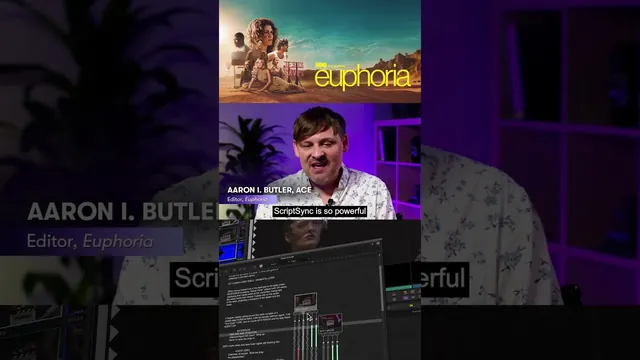 The Emmy-nominated editorial team of Euphoria highlights how ScriptSync helps find the best takesAvid · Lesson1 min.
VFX, roto and clean-up
4 items 3 Ways to Use Object Mask in Premiere | @ColbyEubanks x Adobe VideoAdobe Video · Lesson3 min.
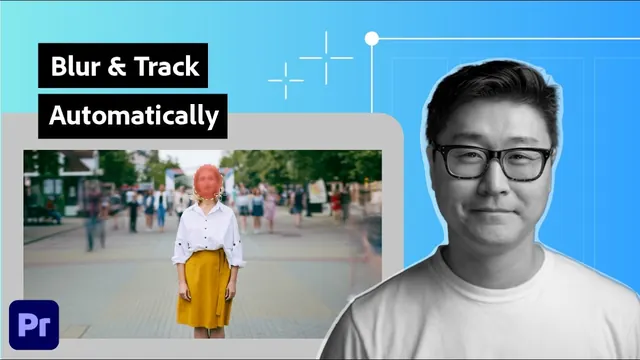 Premiere AI Masking: Track + Blur Your Subject in Seconds | Adobe VideoAdobe Video · Lesson3 min.
 Generative Remove in Premiere (beta) | Adobe VideoAdobe Video · Lesson1 min.
 How to Color Correct Using Magic MaskBlackmagic Design · Lesson3 min.
Sound clean-up
3 items
Generative video
5 items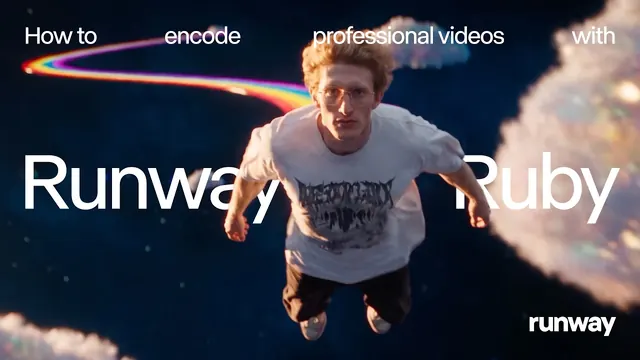 Getting Started with Runway Ruby | RunwayRunway · Lesson3 min.
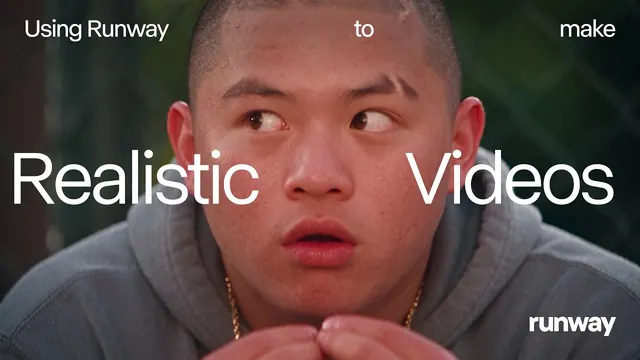 Consistent AI Characters, Voices and Scenes (Advanced Workflow) | RunwayRunway · Lesson9 min.
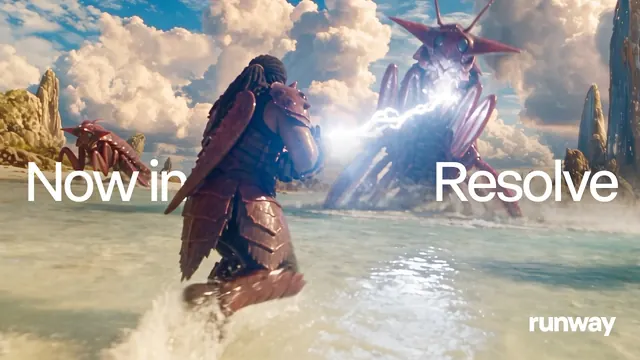 Runway is now in DaVinci Resolve | RunwayRunway · Lesson1 min.
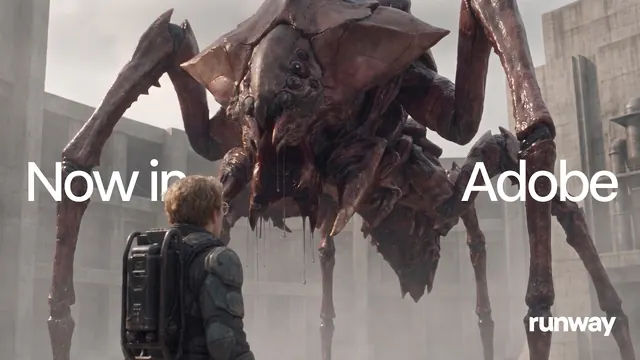 Runway is now in Adobe | RunwayRunway · Lesson1 min.
 The Making of Flicker. With Runway Agent. | RunwayRunway · Lesson1 min.
Tools by stage of production
| Stage | What AI tools do now | Who signs it off |
|---|---|---|
| Development and script | Research, summaries, storyboard frames, pitch images | Writer, director, producer |
| Breakdown and scheduling | Draft script breakdowns and schedules from a locked script | 1st AD, production manager |
| Previs | Rough shots and animatics to plan with | Director, DoP, VFX supervisor |
| Editing assist | Transcripts, search by what is said or seen, syncing, clip prep, extending a shot by a few frames | Editor |
| VFX, roto and clean-up | Masks, tracking, object removal, first-pass roto | VFX supervisor, compositor |
| Sound | Separating voices, cleaning dialogue, reducing noise | Dialogue editor, re-recording mixer |
| Generative video | Shots made from prompts or images; consistent characters | Director and producer, with consent and labelling |
| Archive and restoration | Upscaling, repair, search across collections | Archivist, colourist |
Script breakdown and scheduling tools change fast, and we haven't found an official training video we trust yet. Use the AI for producers path for now.
Consent, copyright and the unions
8 items- Paul W. Fleming explains the challenges of unchecked AIEquity UK · Lesson4 min.
- Ellie Peers on writers and AIWriters' Guild of Great Britain · Lesson3 min.
 Synthetic voices: How do they make you feel?BBC Research & Development · Lesson1 min.
 Content Credentials: Capturing verified videoBBC Research & Development · Lesson3 min.
 The AI way to get an Absolutely Flawless acting performance | Making the Media S6E05Avid · Lesson28 min.
 Editor Kevin Tent showed AI performance preservation and visual dubbing with FlawlessAvid · Lesson2 min.
 Is gen AI going too far? Upcoming trends, uncharted truthsBBC Research & Development · Lesson25 min.
 ️ Wolftech's Reality Defender offers forensic analysis of AI manipulationAvid · Lesson1 min.
The rules, in one place
- Consent: no one's face, voice or performance is scanned, cloned or changed without their informed, written agreement. See consent and credit.
- Confidentiality: never upload rushes, scripts, call sheets or contact lists to a public AI tool without the production's say-so.
- Copyright: the law is moving. The UK government's report on copyright and AI (18 March 2026) is summarised, with the unions' positions, on what the industry says.
- Labelling: say where AI was used when it matters to the audience, the credits or the client. Content Credentials are one way to record it.
- Unions: Equity, Bectu and the Writers' Guild all have current positions. Read them before you sign anything that mentions AI.
Archive, previs and development
2 items
Industry now
6 items A Conversation with Ron Howard | Runway AI Festival 2026Runway · Lesson17 min.
 Adobe Puts Human Judgment at the Center of AI Production | Runway AI Summit 2026Runway · Lesson22 min.
 Vid Summit Panel: Accelerating Creative Video Workflows with AI | Adobe VideoAdobe Video · Lesson36 min.
 The AI Doc: Or How I Became an Apocaloptimist | Premiere Editor Spotlight | Adobe VideoAdobe Video · Lesson5 min.
 Does AI research contribute to public value? Why the BBC must be part of the conversationBBC Research & Development · Lesson27 min.
 Protect your copyright!Writers' Guild of Great Britain · Lesson58 min.
Whose voice is this?
Some of these videos come from the companies that make the tools (Adobe, Avid, Blackmagic Design, Runway). They show what the tools do; they are not neutral. We put them next to the unions, the BBC's research team and working editors, never on their own.
How to get in, and keep up (checked 12 November 2026)
AI skills are added to a craft, not a craft on their own. Learn the job first, then the tools that help it.
- AIMICI Responsible AI, accredited by ScreenSkills: see start here for the details.
- ScreenSkills Skills Futures: critical AI skills for high-impact film producing (StoryFutures with Final Pixel): the listing. Check the dates and who it's for before you apply.
- NFTS MA Virtual Production has a module on AI in virtual production. See the virtual production guide.
- The makers' own free training: Adobe, Avid and Blackmagic Design publish tutorials for the AI features in their software.
AI in your department
Every department guide has a short "How AI fits this department" section. Start with camera, post, VFX, sound or production. AI films to study, with how they were made, are in Watch and Learn: AI. Experiments are in the Lab.
How learning with FIF works
Learn online, then a short check with us, then a practical on our unit, then the FIF Certificate. The certificate comes only from the practical.
- Learn onlineFree films, paths and Academy courses
- Competency checkA short check with us, online or in person
- In-person practicalOn our unit at Pinewood or 3 Mills
- FIF CertificateFrom the practical only
The FIF Certificate comes only from the practical. How it works · Book a competency check
Where Futures in Film helps
- AI Day One: six short lessons on what the tools are, the words, where they already sit on a unit, consent, copyright and confidentiality.
- AI Foundation: the tools by stage, with an optional practice task: one real clip through transcript search, a clean-up and a mask, logged and labelled. Then book your competency check.
- The AI learning paths: six paths, from tools to rights.
Other departments
17 departments Camera, 1187 films
 Lighting, 252 films
 Grip, 147 films
 Sound, 214 films
 Virtual production New, 118 films
 Art department, 149 films
 Costume, 94 films
 Hair and make-up, 54 films
 Assistant directors, 54 films
 Production, 654 films
 Locations, 84 films
 Script supervision, 108 films
 Editorial and post, 469 films
 VFX, 218 films
 SFX, 20 films
 Stunts, 32 films
 Health and safety, 73 films
Where we come in
Experienced crew can book the check directly.
Last reviewed 12 November 2026