Step 1 · Learn online · AI tools
AI tools Foundation
Rules before tools, then AI in pre-production, the edit, VFX and clean-up, sound, generative video, and rights and disclosure. Optional practice task: one real clip through transcript search, clean-up and a mask, logged and labelled.
This course follows Day One. You can look ahead now. Go to Day One
- Time
- About 6 to 8 hours
- Lessons
- 6
- For
- Anyone 18 or over who has finished AI Day One and wants to use AI tools in their department.
- Pass mark
- 80%; safety must be right
- Window
- 12 weeks
- Ends with
- Online learning record. Next: book your competency check.
- Last reviewed
- 12 November 2026
The lessons, in order
6 lessons · 340 min. Safety comes first. Lessons marked 'safety gate' must be passed before the lessons after them open.
 50 minLesson 1 · Safety gateRules before tools: consent, data and sign-off3 films · 8-question bank
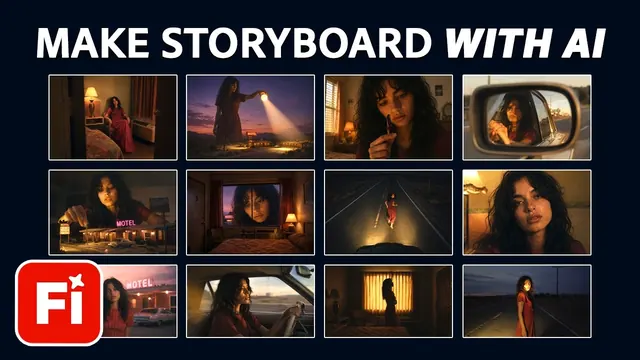 55 minLesson 2Pre-production and script2 films · 8-question bank
 60 minLesson 3Editing assist5 films · 8-question bank
 60 minLesson 4VFX, roto and clean-up4 films · 8-question bank
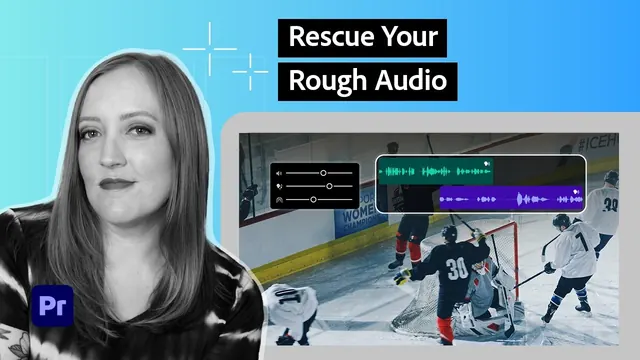 60 minLesson 5Sound clean-up and generative video4 films · 8-question bank
 55 minLesson 6Rights, unions and disclosure3 films · 8-question bank
What you'll be able to do
Each outcome is mapped to a line in a ScreenSkills skills checklist. The checklists are guides, not accreditation.
How this course is assessed
Checks
Every lesson: three questions drawn from a bank of eight. You need 80%, and any safety-critical question must be right. Three attempts in 24 hours, with new questions each time.
Tasks
Every lesson ends with a short task. A trained reviewer marks it Met or Not yet, with a comment. Not yet means try again, not fail.
After this course
Book a short competency check with us, online or in person, then a practical on our unit. The FIF Certificate comes from the practical. Book a competency check.