
Department guide · Virtual production
The world behind the actor, rendered live and caught in camera.
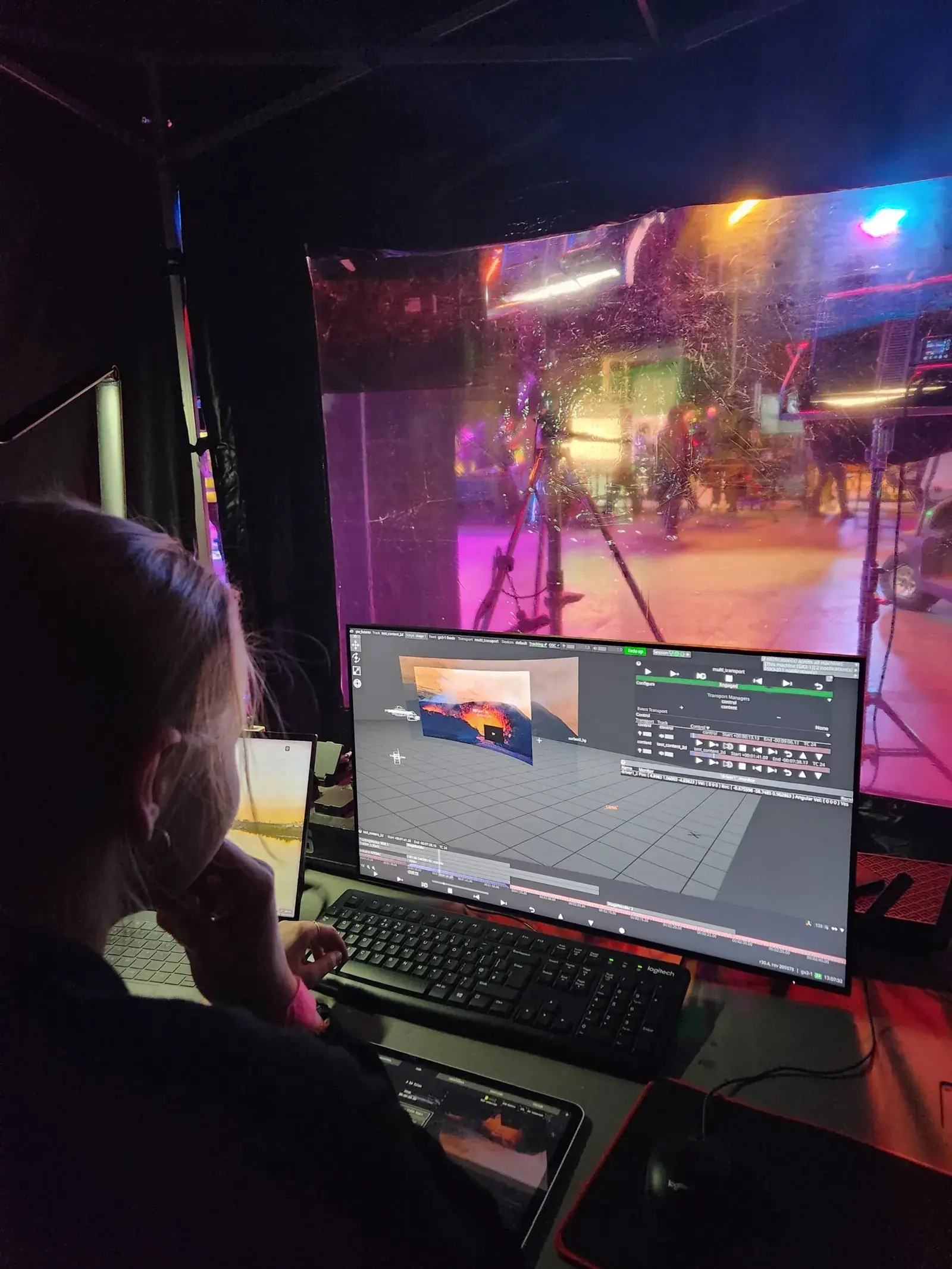
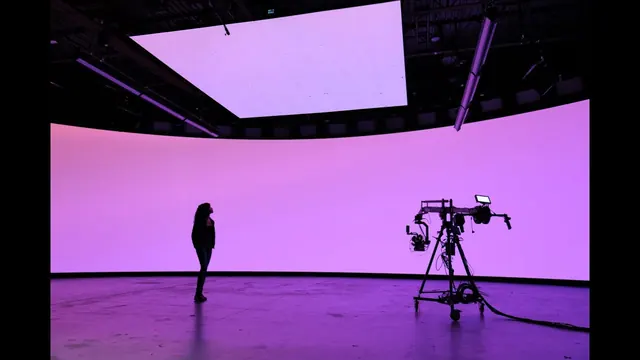
Virtual production puts a real-time 3D world on an LED wall, tracks the camera, and shifts the wall's perspective as the camera moves, so the shot is finished on the day.
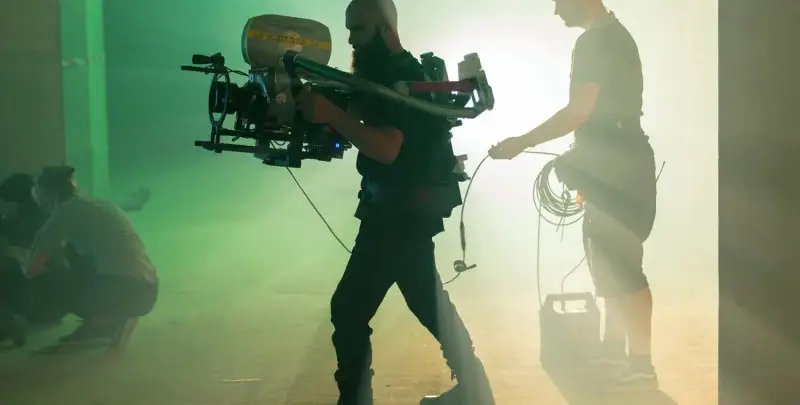
Our own photograph: the LED volume we crewed at Pinewood Futures Festival 2026.
Learning path · free · 18 films
Virtual production
How LED-volume and in-camera VFX shoots work, who does what on a VP stage, and the Unreal Engine skills to start with.

Career ladder
From first job to head of department
The brain bar is the desk where the engine, tracking, media-server and colour operators sit at the volume. Common practice rather than a Bectu card; grades vary by stage and vendor.
Brain bar
- Entry grade Real-time operatorAlso: Unreal operator Runs the engine on the day; live changes to light, sky and set.Read the role
-
Step 2 Lead operator Leads the brain bar desk.
- Top of the ladder VP supervisor Creative and technical lead across prep, stage and post.Read the role
Specialists branch off the ladder at the grade shown; they aren't steps on it
- Tracking technicianbeside Real-time operatorCamera tracking and lens data so the wall follows the lens.
- Media server operatorbeside Real-time operatorPlays plates and drives content to the wall.
- VP colourbeside Real-time operatorCalibrates the wall's colour to camera and the DoP's look.
Stage
Parallel ladder- Entry grade LED stage technician Builds, checks and repairs the wall.Read the role
-
Top of the ladder LED lead Runs the wall crew and its processors.
Virtual art department
Parallel ladder-
Entry grade VAD artist Builds the 3D worlds in prep with the designer.
-
Top of the ladder VAD lead Leads the world build.
VP production
Parallel ladder-
Entry grade VP coordinator Stage bookings and content delivery dates.
-
Top of the ladder VP producer VP budget and schedule end to end.
Grade by grade: what you need before moving up
| Grade | What you do | Before moving up |
|---|---|---|
| Real-time operatorAlso: Unreal operator | Runs the engine on the day; live changes to light, sky and set. | Fast, calm changes under the DoP's eye. |
| Lead operator | Leads the brain bar desk. | |
| VP supervisor | Creative and technical lead across prep, stage and post. | A body of work and the trust of DoP, designer and VFX supervisor. |
| Grade | What you do | Before moving up |
|---|---|---|
| LED stage technician | Builds, checks and repairs the wall. | Safe, tidy, fast module swaps. |
| LED lead | Runs the wall crew and its processors. |
| Grade | What you do |
|---|---|
| VAD artist | Builds the 3D worlds in prep with the designer. |
| VAD lead | Leads the world build. |
| Grade | What you do |
|---|---|
| VP coordinator | Stage bookings and content delivery dates. |
| VP producer | VP budget and schedule end to end. |
ScreenSkills virtual production competencies · Every department's ladder: Careers A–Z · Getting work · Working freelance
Learn it, step by step
4 paths- Virtual production · New to set to working crewVirtual production18 lessons · about 5.5 hours · freeStart path
 Health and safety · New to setYour first day on set19 lessons · about 3 hours · freeStart path
- Health and safety · New to setStunts, SFX and armoury: awareness for everyone on set19 lessons · about 4.5 hours · freeStart path
 Learning path · step-up → proStep up: your first time as HoD or supervisor18 lessons · about 6 hours · freeStart path
Safety first
The LED volume, heat, height and eyes
An LED volume is a lighting rig, a giant screen and a computer room in one. Its hazards are brightness and flicker, heat and noise, heavy panels at height, power, and long hours at the brain bar.
Watch first
Module 1 of Virtual production. Mark them done there to track your progress.
- 4:12A Quick Vū: Lighting in a VolumeVū · 4:12
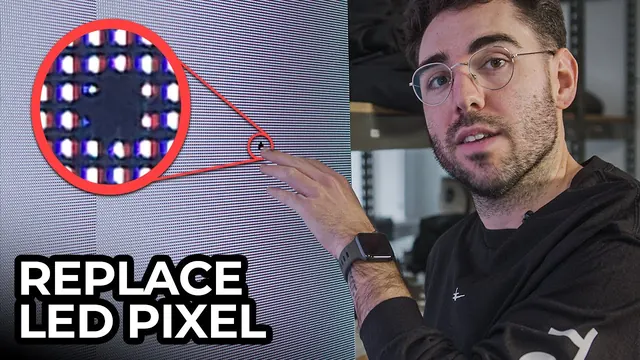 2:43Replacing a DEAD PIXEL on an LED WallCoPilot Virtual Production · 2:43
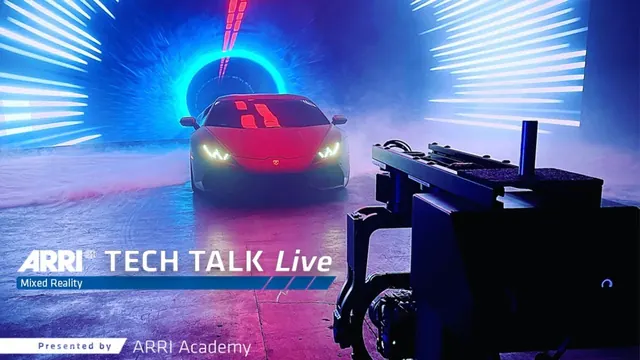 1:03:41ARRI TECH TALK Live: Working with LED Walls in Virtual ProductionARRIChannel · 1:03:41
The hazards
6What hurts people in this department on UK sets, and what keeps them safe.
- Brightness and flickerA volume can be very bright and can strobe (lightning, explosions, fast moves). Warn cast and crew before flashing content, so anyone with photosensitive epilepsy can step out, and give eyes a rest between set-ups.
- Heat and noiseWalls and processors make heat, and cooling fans make noise. Water, breaks and air flow on long days; check sound's levels too.
- Panels and riggingPanels are heavy, with sharp edges and fragile faces. Walls and ceilings are rigged by qualified riggers under LOLER. Nobody climbs the wall or goes up to the ceiling without the rigging supervisor.
- Behind the wallBehind the volume are power, data cables and processors. It's a restricted area for the LED team.
- PowerVolumes draw a lot of power. Only qualified electricians and LED technicians touch distribution or open panels.
- The brain barLong hours at screens: the DSE Regulations apply, plus the same fatigue rules as any shoot day.
Who is responsible
- The VP supervisor runs the volume; the LED engineer owns panels and processors.
- The rigging supervisor owns everything at height, under LOLER.
- The 1st AD briefs flashing content and keeps the restricted areas restricted.
As a trainee, never
- Never climb the LED wall or go up to the ceiling.
- Never go behind the wall unless you're on the LED team.
- Never run flashing content without warning the stage first.
Anyone can say stop. If something feels wrong, say so to your head of department or the 1st AD.
Where this comes from
- HSE: LOLERThe Lifting Operations and Lifting Equipment Regulations 1998: rigging, hoists and anything lifted overhead.
- HSE: work at heightThe Work at Height Regulations 2005: ladders, towers, platforms and who may use them.
- HSE: electrical safetyThe Electricity at Work Regulations 1989.
- HSE: non-ionising radiationIncluding the Control of Artificial Optical Radiation at Work Regulations 2010 (lasers and very bright sources).
- HSE: display screen equipmentThe Health and Safety (Display Screen Equipment) Regulations 1992: workstation set-up, breaks and eye tests.
- Epilepsy Society: photosensitive epilepsyWhy flashing light needs a warning.
Checked 13 November 2026. This is awareness, not a safety qualification: follow your production's risk assessment and your head of department.
AI in film and TV
How AI fits this department
Volumes already run on real-time engines, and AI now helps build worlds, clean plates and match light. A person still signs off every world before it goes on the wall, and the consent rules apply to any face or voice on it.
Learning path: AI for camera departments The AI channel Consent and credit
Start here: twenty minutes
5 items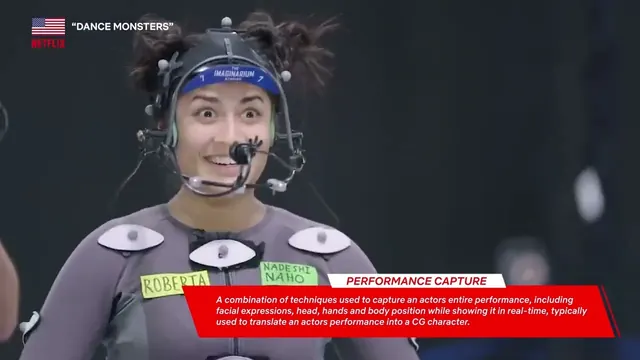 Virtual Production Playbook - Chapter 1 - An Introduction to Virtual ProductionNetflix Production Technology Resources · Lesson7 min.
 Virtual Production Playbook - Chapter 2 - When to Consider Virtual Production?Netflix Production Technology Resources · Lesson7 min.
 Everything you need to know about Virtual ProductionDisguise · Lesson4 min.
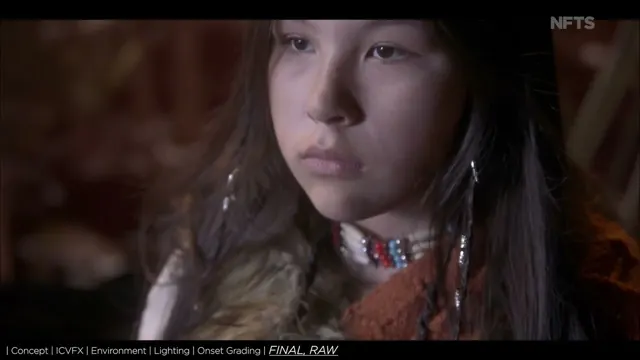 VFX Insights: Virtual Cinematography & In-Camera Visual EffectsThe National Film & Television School · Lesson3 min.
 20 Virtual Production Definitions You Should KnowCoPilot Virtual Production · Lesson8 min.
Virtual production, in detail
What it does on a UK unit
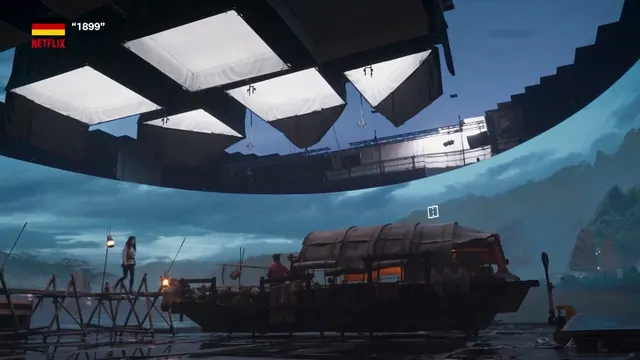
Virtual production (VP) mixes a real set with a computer-made one while you shoot. Most crews mean the LED volume: a wall, often with a ceiling, of LED panels showing a 3D world from a games engine such as Unreal Engine.
A tracking system follows the camera, and the engine redraws the part of the wall the lens sees (the inner frustum) from the camera's point of view. The rest of the wall lights the actors and set with the right colour and reflections. This is in-camera VFX (ICVFX).
Not every volume shoot is 3D. 2D plates (video filmed for the wall, such as a road for a car scene) are cheaper and often look better for driving and train work. 3D environments are needed when the camera moves through the world.
Most of the work happens months ahead. The virtual art department (VAD) builds the worlds with the production designer, and every set is signed off before the stage day: changes on the day are slow and costly.
Green screen still wins for wides where the wall would show its edge, fast action, and scenes needing heavy work in post.
The workflow
10 items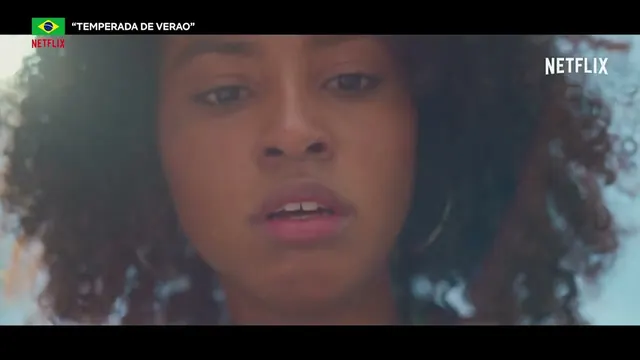 Virtual Production Playbook - Chapter 3 - The Virtual Production WorkflowNetflix Production Technology Resources · Lesson7 min.
 Virtual Production Playbook - Chapter 4 - What Works & What Doesn’t?Netflix Production Technology Resources · Lesson4 min.
 Virtual Production Playbook - Chapter 5A - Planning for Virtual Production: Budget & SchedulingNetflix Production Technology Resources · Lesson6 min.
 Virtual Production Playbook - Chapter 5B - Planning for Virtual Production: Crewing UpNetflix Production Technology Resources · Lesson3 min.
 Virtual Production Playbook - Chapter 6A - Capturing Content: 2D PlatesNetflix Production Technology Resources · Lesson8 min.
 Virtual Production Playbook - Chapter 6B - Capturing Content: 3D Game EnginesNetflix Production Technology Resources · Lesson5 min.
 From VAD to Volume: The End-to-End ICVFX Pipeline | Unreal Fest 2022Unreal Engine · Lesson48 min.
 Welcome to the new era of virtual production: VP 2.0Disguise · Lesson7 min.
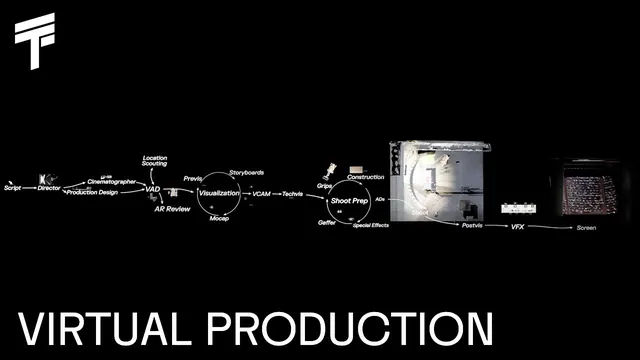 THE THIRD FLOOR | The Virtual Production ProcessTHE THIRD FLOOR · Lesson2 min.
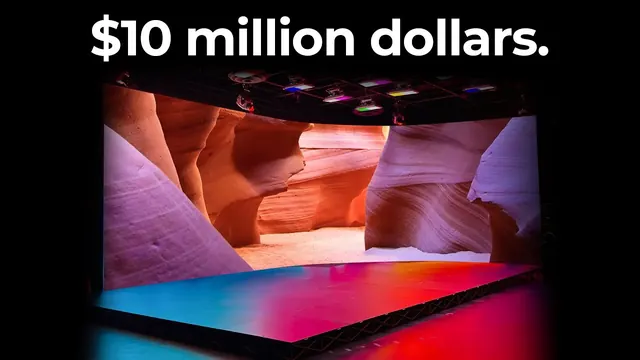 How Much Does Virtual Production REALLY Cost?CoPilot Virtual Production · Lesson11 min.
LED walls and processing
6 items- ARRI TECH TALK Live: Working with LED Walls in Virtual ProductionARRIChannel · Lesson1 h 4 min.
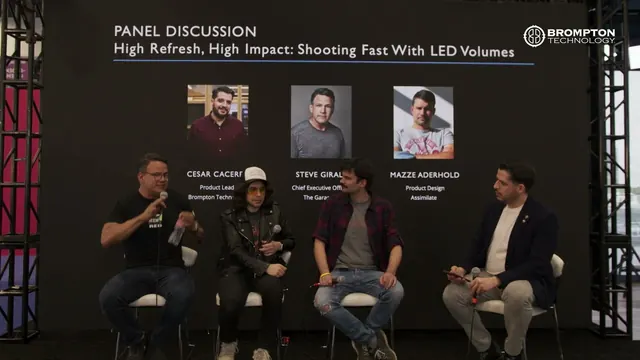 NAB 2025 High Refresh, High Impact: Shooting Fast with LED VolumesBrompton Technology · Lesson32 min.
 Brompton Technology: Redefining LED processingBrompton Technology · Lesson3 min.
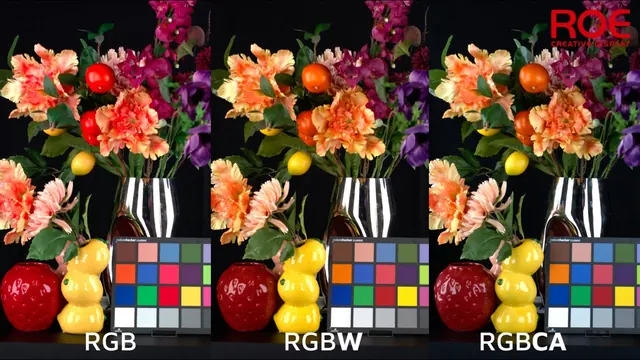 Advanced Full-Spectrum LED Technology: RGBW & RGBCA for Virtual ProductionROE Visual · Lesson6 min.
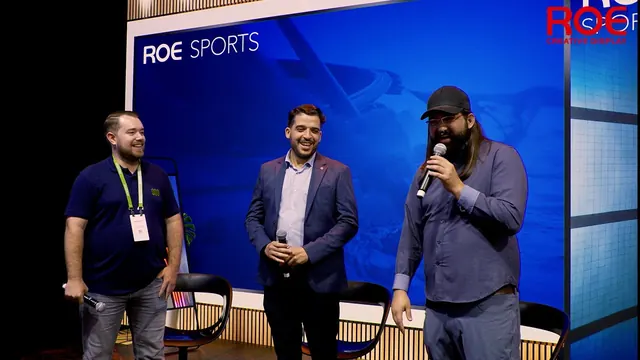 [ROE Visual IBC panel] Virtual Production and Full-Spectrum insights with Brompton & MegapixelROE Visual · Lesson14 min.
- Replacing a DEAD PIXEL on an LED WallCoPilot Virtual Production · Lesson3 min.
Camera, lenses and tracking
3 items- VFX Insights: Virtual Cinematography & In-Camera Visual EffectsThe National Film & Television School · Lesson3 min.
 Completing the Illusion: Accurate Depth of Field in ICVFX | Unreal Fest 2024Unreal Engine · Lesson35 min.
 ARRI TECH TALK Live: ARRI Metadata for Virtual ProductionsARRIChannel · Lesson29 min.
Colour and light on the volume
4 items Lighting a Scene for LED Virtual ProductionCoPilot Virtual Production · Lesson8 min.
 ARRI Tech Talk: ARRI Color Management for LED volumes (subtitles available: 한국어, 日本語)ARRIChannel · Lesson33 min.
 From Texture to Display: The Color Pipeline of a Pixel in Unreal Engine | Unreal Fest 2024Unreal Engine · Lesson41 min.
 ARRI Color Management for Virtual Production update: Open Color IO supportARRIChannel · Lesson9 min.
Previs, techvis and postvis
7 items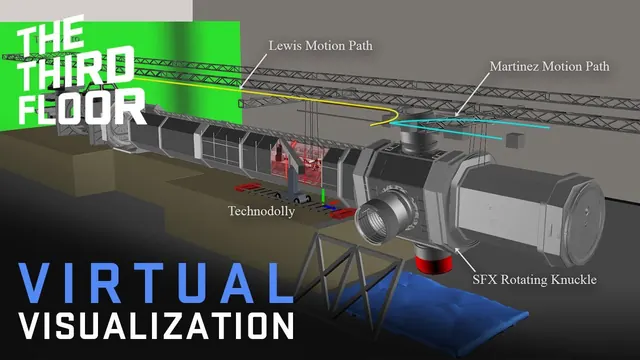 What is Techvis? | Virtual Visualization SeriesTHE THIRD FLOOR · Lesson1 min.
 What is Postvis? | Virtual Visualization SeriesTHE THIRD FLOOR · Lesson5 min.
 Virtual Location Scouting | Virtual Visualization SeriesTHE THIRD FLOOR · Lesson1 min.
 Virtual Production | Virtual Visualization SeriesTHE THIRD FLOOR · Lesson5 min.
 Meet ARRI LUKA - Lights, Camera, Previs.ARRIChannel · Lesson9 min.
 Reimagining Previs and Layout for KPop Demon Hunters with Unreal EngineUnreal Engine · Lesson5 min.
 House of the Dragon Season 2 | Visualization HighlightsTHE THIRD FLOOR · Lesson3 min.
Unreal Engine for film-makers
5 items Virtual Production Visualization Guide | Unreal EngineUnreal Engine · Lesson4 min.
 A video guide to Unreal Engine's Sequencer · Lesson4 min.
 Cameras and anamorphic lenses in Unreal Engine (VirtualCine) · Lesson12 min.
 Intro to lighting in Unreal Engine (VirtualCine) · Lesson21 min.
 Behind the Scenes of Twinmotion Training with the Sony VERONA LED WallSony Cine · Lesson3 min.
Who it works with
- DoP and gaffer: the wall is a light source. What it shows, how bright and what colour is a lighting decision.
- Production designer and art department: where the real set ends and the wall begins. The VAD works for the designer.
- VFX supervisor: which shots are finished in camera, and which go to post.
- Camera and grip: tracking markers or sensors on the camera, lens data, and heights and moves the wall can handle.
- 1st AD: stage time is booked by the hour, and world changes take time. Scheduling around them is part of the AD's plan.
- Electricians and riggers: power, data and safe rigging of the wall and its ceiling.
Safety and wellbeing on a volume
A volume is a stage like any other, plus a few hazards of its own. Nothing here replaces the production's risk assessment or the safety briefing.
- Working at height: LED walls and ceilings are built and rigged by trained crews. Don't climb, lean on or touch the wall.
- Electrical load: the wall and processors draw serious power. Power belongs to the electricians.
- Heat: walls run warm, and long days inside a volume get hot. Drink water.
- Eyes and flicker: bright walls for hours tire the eyes. Flicker and banding on camera come from frame rate and shutter not matching the wall's refresh: report it to camera and the brain bar, don't fix it yourself.
- Cables: tracking and data cables cross the floor. Route and mark them, and keep fire exits clear.
- Long brain-bar hours: screen work runs long. Take breaks and say when you need one.
See the health and safety guide and the safety lesson in Day One. We don't teach stunts, SFX or weapons work.
Roles and careers
6 items The MOST IMPORTANT JOB in Virtual ProductionCoPilot Virtual Production · Lesson5 min.
 In Conversation with VP Supervisor David MonguetDisguise · Lesson57 min.
 Breaking Down Walls: Merging Traditional Art Departments with Virtual Production | Unreal Fest 2024Unreal Engine · Lesson40 min.
 Making Virtual Production Real: New and Emerging RolesScreenSkills · Lesson49 min.
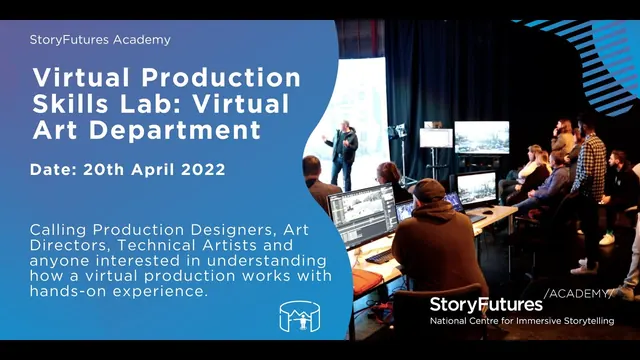 StoryFutures Academy Virtual Production Skills Lab: Virtual Art Department, 20th April 2022StoryFutures · Lesson1 min.
 ScreenSkills Making Virtual Production Real: The collision of creative technologiesScreenSkills · Lesson54 min.
Kit and vocabulary
| Term | What it means |
|---|---|
| LED volume | A stage surrounded by LED panels, often with an LED ceiling |
| ICVFX | In-camera visual effects: the effect is finished in the shot, not added in post |
| Inner and outer frustum | The part of the wall the lens sees (redrawn for the camera), and the rest (used as light) |
| nDisplay | Unreal Engine's system for driving many screens as one wall |
| Genlock | Locking the camera, wall and engine to the same timing so the image doesn't tear or flicker |
| Moiré | A ripple pattern when the camera focuses too near the LED pixels |
| Pixel pitch | The gap between LED pixels; smaller pitch lets the camera get closer |
| 2D plate / 3D environment | Video played on the wall / a 3D world the camera can move through |
| VAD | Virtual art department: builds the 3D worlds in prep |
| Brain bar | The operators' desk at the volume: engine, tracking, media server, colour |
| Previs, techvis, postvis | Planning shots in 3D before the shoot; working out the technical set-up; temporary VFX for the edit |
How to get in (UK routes, checked 12 November 2026)
People come into VP from many sides: lighting and camera crew who learn the wall, games and 3D artists who learn the set, and IT and AV technicians who learn the stage. Start where you are strongest and learn the other side.
- NFTS MA Virtual Production: one year, full-time, starting January 2027. Modules include the virtual art department, on-set VP and cinematography, capture technologies, and AI in VP. Course outline (PDF).
- ScreenSkills: Introduction to becoming a VP supervisor in HETV and film: run by MARS Academy for experienced freelancers (5+ credits, HoD level in physical production technical, VFX or post). The listed run had an online webinar and two in-person days, with a travel contribution of up to £200 for people travelling two hours or more to Bristol. That run has passed: check ScreenSkills for the next one.
- ScreenSkills: LED technology and virtual production for lighting and camera crew, and VP open days for ScreenSkills trainees. See the listing; dates change.
- ScreenSkills virtual production competencies for camera, lighting and VFX creation (VAD): what each role is expected to know.
- Mo-Sys Academy (London): paid short courses from a 3-day introduction to ICVFX and camera-technician courses. mo-sys.com/mo-sys-academy.
- StoryFutures (Royal Holloway): VP Futures training and the VP skills reports.
- Epic Games: free Unreal Engine learning, including the Virtual Production Visualization Guide.
Training routes
5 items MARS Academy | Virtual Production Training for Film ProfessionalsMARS Volume · Lesson1 min.
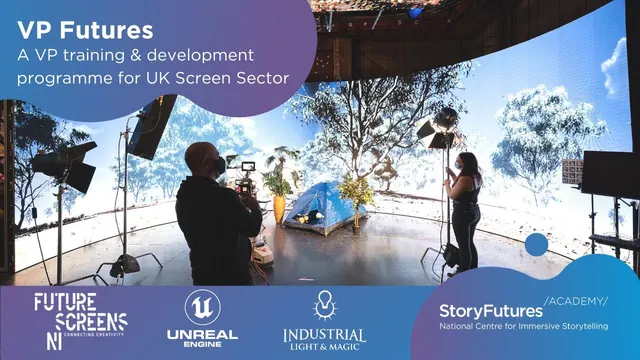 VP Futures - A VP training & development programme for UK Screen SectorStoryFutures · Lesson2 min.
 Mastering Virtual Production: The Mo-Sys Academy ExperienceCoPilot Virtual Production · Lesson5 min.
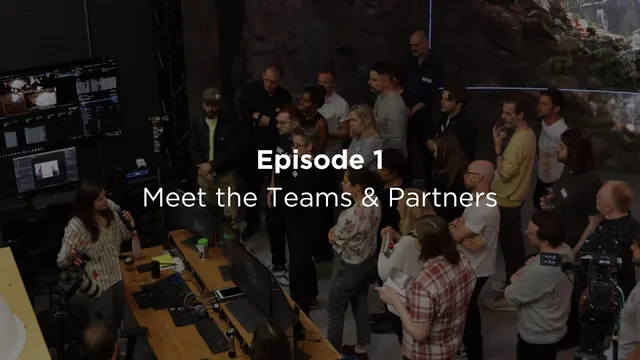 Episode 1: Meet the Teams & Partners, VP Futures Behind The ScenesStoryFutures · Lesson6 min.
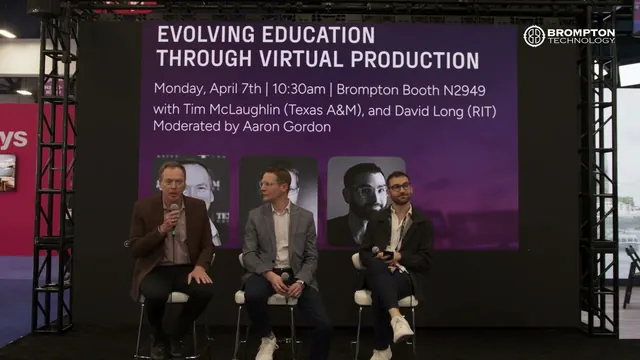 NAB 2025 Evolving Education Through Virtual ProductionBrompton Technology · Lesson30 min.
UK stages and productions
10 items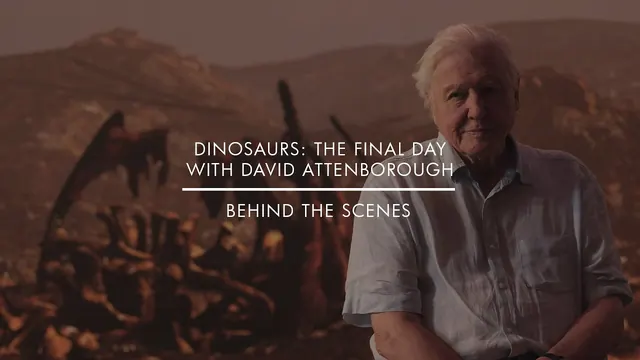 Dinosaurs: The Final Day With David Attenborough | Behind The Scenes, shot at MARS Volume®MARS Volume · Lesson2 min.
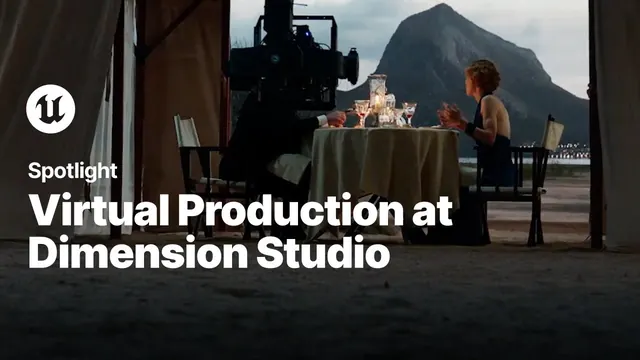 Virtual Production with Unreal Engine at Dimension StudioUnreal Engine · Lesson6 min.
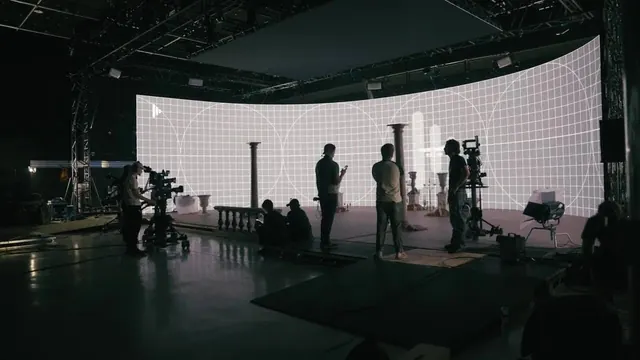 Virtual Production: Inside NFTS Student Made TV Pilot 'The Ratings Game'The National Film & Television School · Lesson3 min.
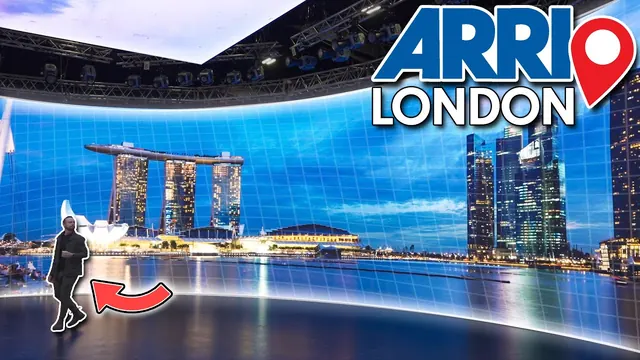 Visiting ARRI's ULTIMATE Virtual Production LED StageCoPilot Virtual Production · Lesson5 min.
 BSC Expo 2023: Diving Deeper into Virtual ProductionARRIChannel · Lesson28 min.
 Brompton Technology: Solent University x CJP - Virtual Production StageBrompton Technology · Lesson12 min.
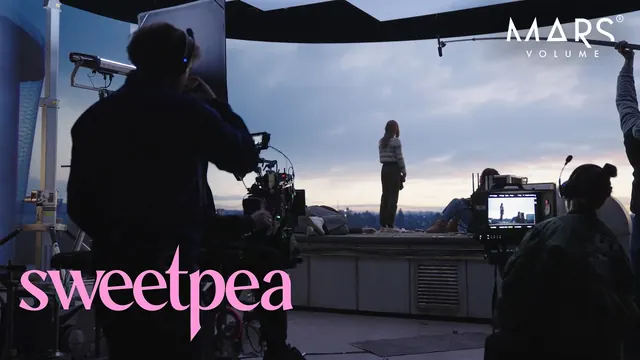 Sweetpea Season 1 | Virtual Production at MARS VolumeMARS Volume · Lesson1 min.
 Simulated Driving Scenes at MARS VolumeMARS Volume · Lesson1 min.
 3 Body Problem (Netflix) and Culprits (Disney +), shot at MARS Volume®MARS Volume · Lesson1 min.
 ASTON MARTIN F1 x MAADEN (BTS) - shot at MARS Volume®MARS Volume · Lesson1 min.
Behind the scenes
7 items La Casa De Papel | "Creating the Digital Backlot" In-Camera VFX Case Study | NetflixNetflix Production Technology Resources · Lesson5 min.
 How Magnopus Brought ‘Fallout’ to Screens with Virtual Production Powered by UE | Unreal Fest 2024Unreal Engine · Lesson27 min.
 How House of the Dragon PERFECTED Virtual ProductionCoPilot Virtual Production · Lesson3 min.
 Superman’s BEST VFX Moments (A Virtual Production Breakdown)CoPilot Virtual Production · Lesson15 min.
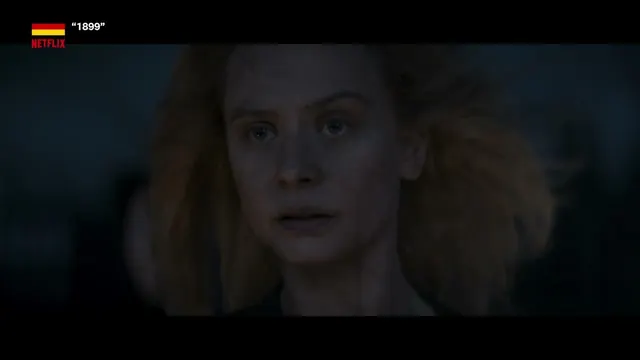
 'Dark in Berlin': A Creative & Virtual Production Breakdown with the Filmmakers | Unreal Fest 2024Unreal Engine · Lesson33 min.
 Temporada de Verão | Virtual Production Behind the Scenes | NetflixNetflix Production Technology Resources · Lesson8 min.
 How Project Hail Mary Built the "Don't Go Crazy Room" with ROE Visual LEDROE Visual · Lesson2 min.
Industry now
2 items
Pay
There is no separate VP rate card. Stage and brain-bar roles are often paid by the stage company or the VP vendor. Use the Bectu rate cards for the nearest department (lighting, camera, or animation and VFX). Cost figures in the videos are US and indicative.
How learning with FIF works
Learn online, then a short check with us, then a practical on our unit, then the FIF Certificate. The certificate comes only from the practical.
- Learn onlineFree films, paths and Academy courses
- Competency checkA short check with us, online or in person
- In-person practicalOn our unit at Pinewood or 3 Mills
- FIF CertificateFrom the practical only
The FIF Certificate comes only from the practical. How it works · Book a competency check
Where Futures in Film helps
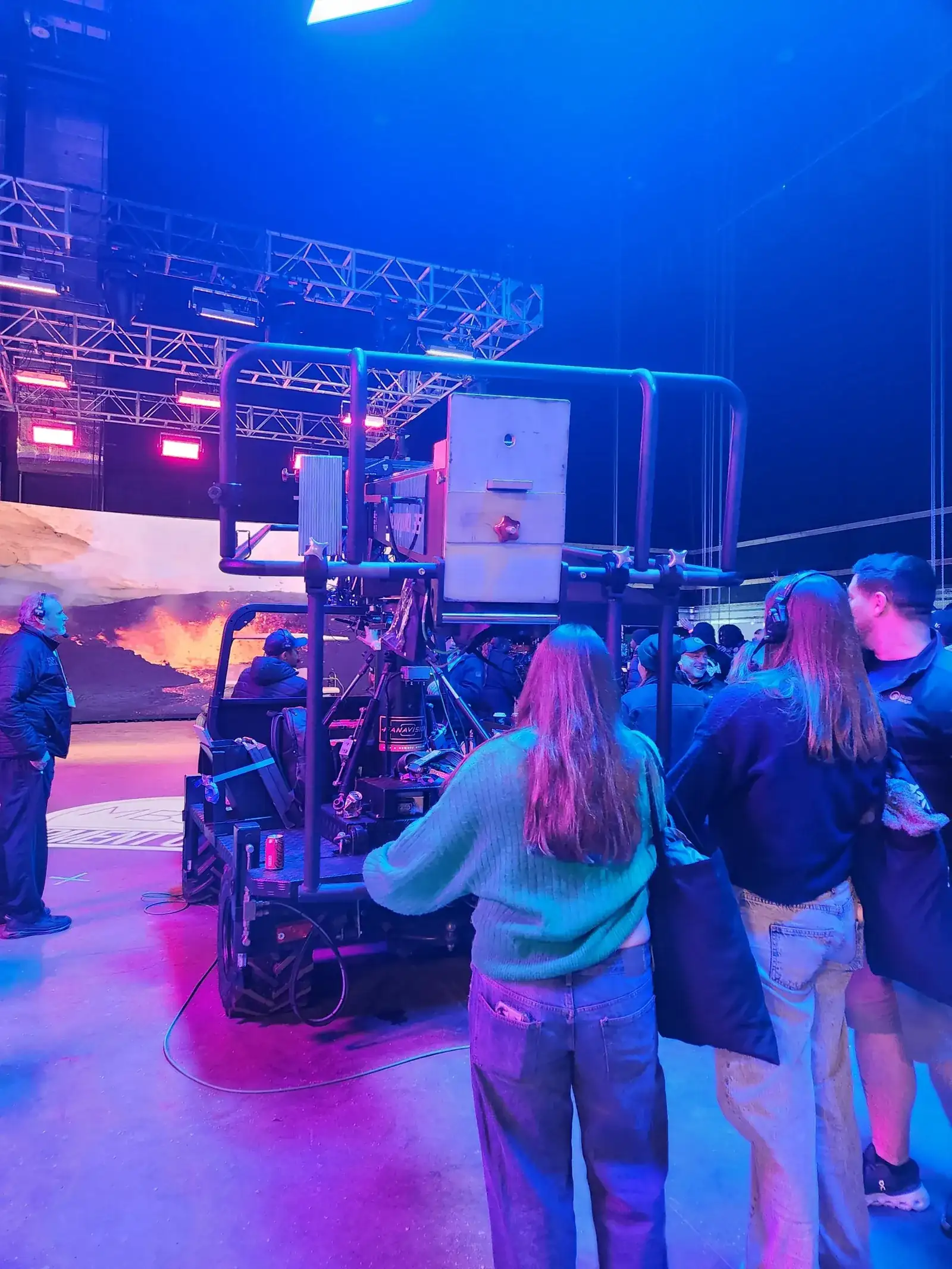
At Pinewood Futures Festival in 2026 we crewed an LED volume on the Richard Attenborough Stage, with tracking on the Helix gimbal in sync with the wall.
- VP Day One: six short lessons on what a volume is, the words, the crew, the day and the safety rules.
- VP Foundation: the workflow, content, camera and tracking, colour and light, Unreal and the roles, with practice tasks. Then book your competency check.
- Virtual production learning path: more practice, including the Unreal in-camera VFX tutorials.
- AI tools guide: AI is now part of VP too.
Who to know: Virtual production
 BFC Skills and Social Responsibility Directory Searchable directory of UK organisations running screen training, skills and inclusion schemes.
 ScreenSkills job profiles Profiles of hundreds of screen jobs: what each role does and how to get in.
 ScreenSkills Select ScreenSkills' endorsement of university and college courses that are relevant to industry.
 6ft From the Spotlight Wellbeing and welfare support for UK productions and crew.
 Access:VFX Industry-led non-profit of 70+ studios and bodies opening VFX, animation and games to under-represented groups; mentoring and events.
 Post Super Platform supporting post-production supervisors and coordinators: training, resources and community.
 UK Screen Alliance Trade body for UK VFX, animation and post-production companies; publishes skills and careers research.
 BEAU (Broadcasting, Entertainment and Arts Unions) Brings together Bectu, Equity, the Musicians' Union and the Writers' Guild; formerly FEU and FEU Training.
 Bectu branches Bectu's craft and regional branches (camera, grips, costume and wardrobe, hair and make-up, art department and more) represent each grade.
Other departments
17 departments Camera, 1187 films
 Lighting, 252 films
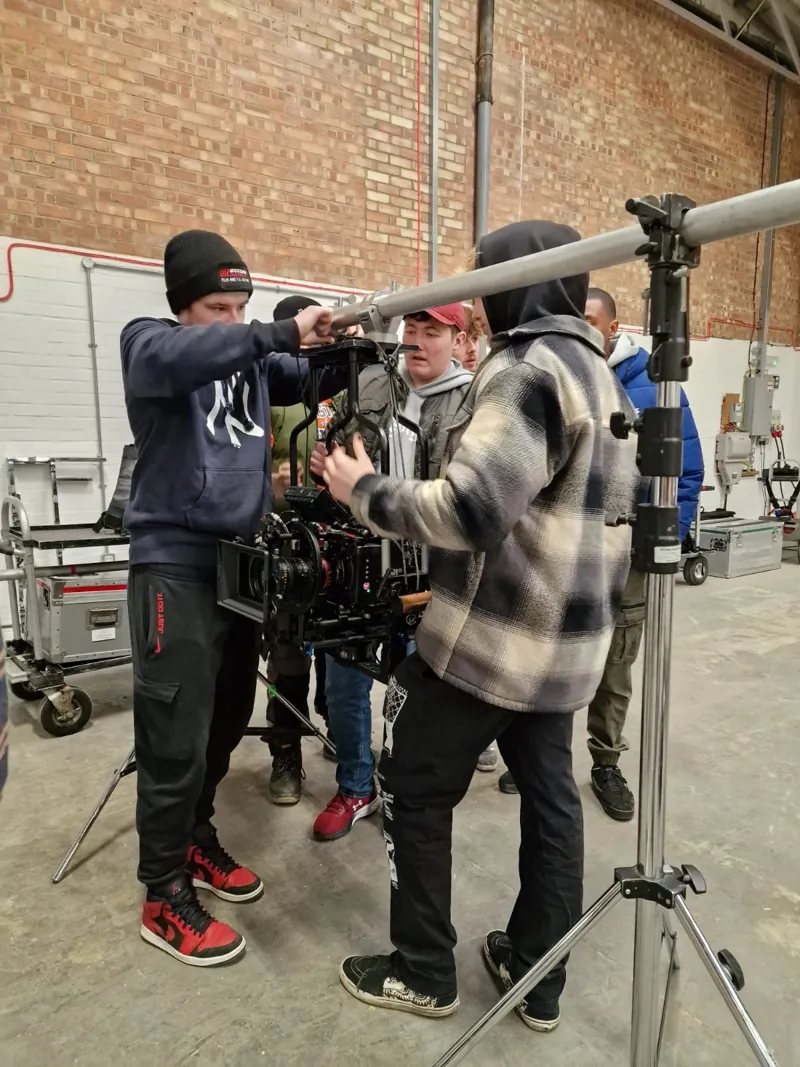 Grip, 147 films
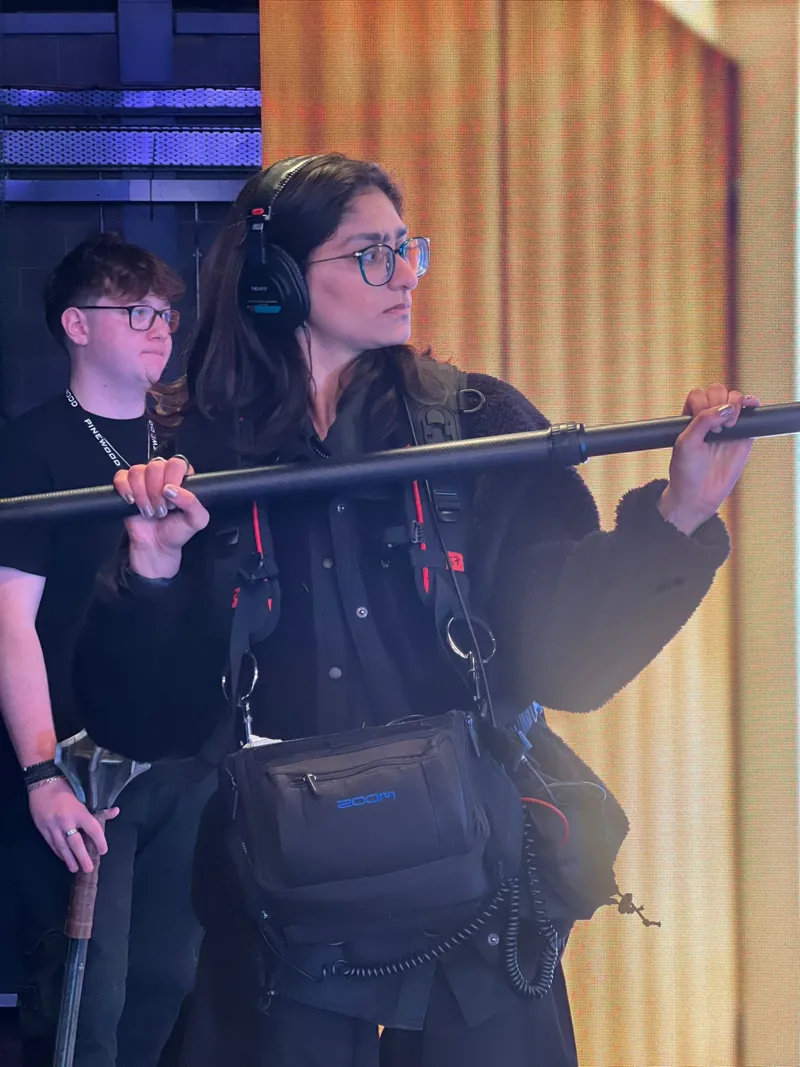 Sound, 214 films
 AI tools New, 83 films
 Art department, 149 films
 Costume, 94 films
 Hair and make-up, 54 films
 Assistant directors, 54 films
 Production, 654 films
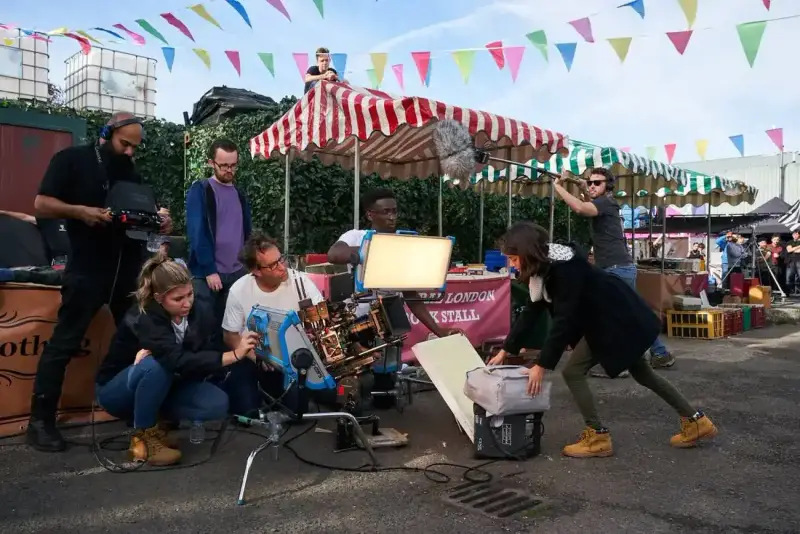 Locations, 84 films
 Script supervision, 108 films
 Editorial and post, 469 films
 VFX, 218 films
 SFX, 20 films
 Stunts, 32 films
 Health and safety, 73 films
Where we come in
Experienced crew can book the check directly.
Read for virtual production
4The magazines and books people in virtual production read. Borrow the books free from a library.
 Free online; print by subscriptionBritish CinematographerThe UK magazine of cinematography: how camera, lighting and grip teams built the look, issue by issue.UKRead British Cinematographer
 Free online; print by subscriptionDefinitionCinema technology, virtual production, post and kit, from the UK.UKRead Definition
 FreeKitPlusUK broadcast kit news, product guides and show coverage, plus a podcast.UKRead KitPlus
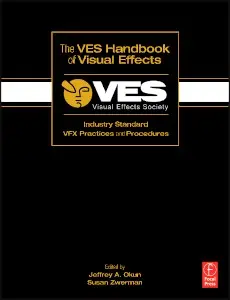 The VES Handbook of Visual EffectsJeffrey A. Okun and Susan Zwerman (eds)The Visual Effects Society's guide to VFX on set and in post.Look it up The VES Handbook of Visual Effects (opens Open Library)
All resources and reading: trade press, directories, libraries and more
Events for virtual production
4Shows, festivals and careers days where virtual production crew go to learn and meet people. Dates checked on each organiser's site.
-
FOCUSMeet the film offices and studios that decide where productions shoot.Business Design Centre, London
Apply for a delegate badgeGo to the event site : FOCUS -
ISESee the LED panels and processors that build virtual production stages.Fira de Barcelona Gran Via
Registration on the ISE siteGo to the event site : ISE -
Free to registerGo to the event site : BSC Expo -
Free; book a sessionGo to the event site : Pinewood Futures Festival


Next for Virtual production
Last reviewed 12 November 2026