
Schools and colleges
Use it in class.
Every lesson has a board mode: the same six steps, sized for a classroom screen, with timings, discussion prompts and a class task. Free. No accounts. Nothing recorded about your students.
- Board mode
- Free
- Lesson length
- 30 to 45 minutes
- Accounts
- None
- Student data
- None collected
- Age
- Any, teacher-led
- Keys
- ← → to move between steps · Esc to close
Films your class will watch
 19:3360 Film Production Roles & What They Each Do - Actor's GuideAugmented Actor · original on YouTube
 Every Film Crew Job In The Camera Department ExplainedIn Depth Cine · original on YouTube
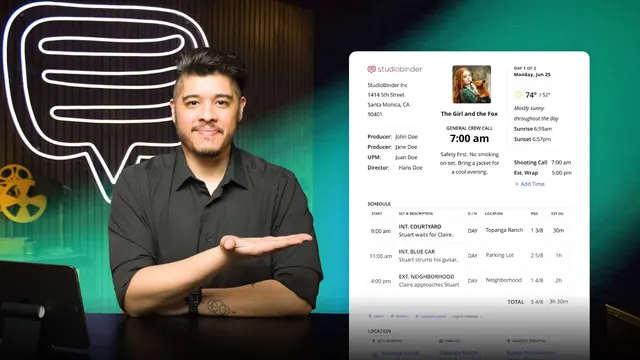 What is a Call Sheet — What Goes On It and WhyStudioBinder Academy · original on YouTube
 How to get your first job in filmScreenSkills · original on YouTube
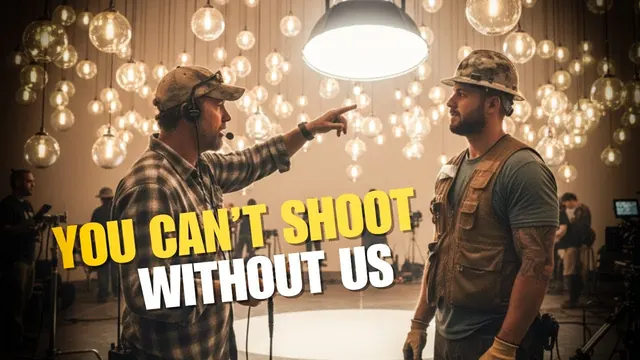 What Does a Grip Actually Do on a Film Set? (Explained by a Gaffer) Everything Grip and Electric · original on YouTube
Running a lesson
Six steps on the board.
- OutcomeRead it out. Ask the opening question before the films. About 3 minutes.
- WatchPlay one or two films. Preview them first. 10 to 20 minutes.
- CheckShow one question at a time; take a show of hands, then reveal the answer and the reason.
- DoThe class version of the task, with a timer on screen. About 10 minutes.
- ReflectDiscussion prompts and the lesson's two reflection questions.
- RecordNothing is recorded. Older students (18+) can take the lesson for their own record.
Lessons
Lessons you can run now.
Day One: ready for set
| Lesson | Board time | Opening question | Open |
|---|---|---|---|
| 1. Safety first, on every set | 40 min | Ask the room: who is responsible for safety on a film set? Take answers before you play the film. | Board mode: Safety first, on every set |
| 2. Who's who, and how a shooting day runs | 35 min | Ask: who's in charge on a film set? Most will say the director. Hold the answer until after the films. | Board mode: Who's who, and how a shooting day runs |
| 3. Read a call sheet | 40 min | Project the sample call sheet. Ask: what's the first thing you look for? | Board mode: Read a call sheet |
| 4. Set calls, the radio and the slate | 30 min | Run a mock take. You call 'lock it up', 'turnover' and 'action'. The room has to freeze. | Board mode: Set calls, the radio and the slate |
| 5. Set etiquette, and being trusted | 30 min | Ask: what's the fastest way to lose a job on set? | Board mode: Set etiquette, and being trusted |
| 6. Look after yourself, and find work | 35 min | Ask: what's the hardest part of a 12-hour day? | Board mode: Look after yourself, and find work |
Camera department Foundation
| Lesson | Board time | Opening question | Open |
|---|---|---|---|
| 1. Safety in the camera department | 40 min | Ask: what's the heaviest thing you've ever carried? Camera kit is heavier. | Board mode: Safety in the camera department |
| 2. The camera department: who does what | 35 min | Show the two ScreenSkills trainee films. Ask: what did they carry? | Board mode: The camera department: who does what |
| 3. Camera prep at a rental house | 35 min | Show a real kit list (or the one in the task). Ask: how long would it take you to check all of this? | Board mode: Camera prep at a rental house |
| 4. Building the camera, and caring for kit | 30 min | Ask: how would you clean a pair of glasses? Most say 'on my shirt'. Explain why not for a lens. | Board mode: Building the camera, and caring for kit |
| 5. Slates, marks and camera reports | 45 min | Bring a clapperboard if you have one. Slate a take with a volunteer. | Board mode: Slates, marks and camera reports |
| 6. Media handling: cards, offloads and checksums | 35 min | Ask: what would happen if a day's footage disappeared? | Board mode: Media handling: cards, offloads and checksums |
| 7. Lenses, T-stops and depth of field | 35 min | Hold up a finger close to your eye and look past it. That's depth of field. | Board mode: Lenses, T-stops and depth of field |
| 8. Focus marks, and a first pull | 45 min | Lay two tape marks in the room. A volunteer walks between them. | Board mode: Focus marks, and a first pull |
VP Day One: ready for the volume
| Lesson | Board time | Opening question | Open |
|---|---|---|---|
| 1. What a volume is | 30 min | Show a still from a car scene. Ask: real road, green screen or LED wall? | Board mode: What a volume is |
| 2. Words you'll hear | 25 min | Write 'frustum' on the board. Ask: has anyone heard this word? | Board mode: Words you'll hear |
| 3. Who's who on the stage | 30 min | Draw a volume on the board with a desk in front. Ask: who sits at the desk? | Board mode: Who's who on the stage |
| 4. How a VP day runs | 25 min | Show a call sheet. Ask: what would be different on a volume day? | Board mode: How a VP day runs |
| 5. Safety and etiquette at the volume | 30 min | Ask: what would happen if you leaned on a TV screen? Now imagine it's the size of a building. | Board mode: Safety and etiquette at the volume |
| 6. Seeing it on UK stages | 25 min | Show the stage showreels. Ask: which shots were on the wall? | Board mode: Seeing it on UK stages |
Virtual production Foundation
| Lesson | Board time | Opening question | Open |
|---|---|---|---|
| 1. Workflow and planning | 45 min | Read the scene aloud. Ask: where would you shoot each set-up? | Board mode: Workflow and planning |
| 2. Content: plates and worlds | 40 min | Show a car scene. Ask: how many views does the wall need? | Board mode: Content: plates and worlds |
| 3. Camera, lens and tracking | 40 min | Show a phone photo of a TV screen with ripples. That's moiré. | Board mode: Camera, lens and tracking |
| 4. Colour and light on LED | 40 min | Hold a phone screen up to someone's face in a dim room. That's wall light. | Board mode: Colour and light on LED |
| 5. Unreal for film-makers | 45 min | Show a previs clip and the final shot side by side. | Board mode: Unreal for film-makers |
| 6. Previs, techvis, postvis and the roles | 40 min | Show three clips: a previs, a techvis diagram and a postvis shot. Ask which is which. | Board mode: Previs, techvis, postvis and the roles |
AI Day One: using AI on a working unit
| Lesson | Board time | Opening question | Open |
|---|---|---|---|
| 1. What these tools are, and aren't | 25 min | Ask a chatbot a question live and check its answer against a source. | Board mode: What these tools are, and aren't |
| 2. Ten words you'll hear | 20 min | Write 'diffusion' on the board. Ask the sparks in the room what it means. Then the AI meaning. | Board mode: Ten words you'll hear |
| 3. Where AI already is on a unit | 25 min | Show the transcript search demo. Ask: how long would this take by hand? | Board mode: Where AI already is on a unit |
| 4. Consent: face, voice, body | 30 min | Play the 39-second synthetic voice clip. Ask: how does it make you feel? | Board mode: Consent: face, voice, body |
| 5. Copyright, credit and labelling | 30 min | Show a C2PA label on an image. | Board mode: Copyright, credit and labelling |
| 6. Data and confidentiality on set | 25 min | Hold up a call sheet. Ask: whose data is on this page? | Board mode: Data and confidentiality on set |
AI tools Foundation
| Lesson | Board time | Opening question | Open |
|---|---|---|---|
| 1. Rules before tools: consent, data and sign-off | 40 min | Read request 2 aloud. Ask: who's harmed if it goes wrong? | Board mode: Rules before tools: consent, data and sign-off |
| 2. Pre-production and script | 35 min | Read the scene. Ask: what does the AD need to know? | Board mode: Pre-production and script |
| 3. Editing assist | 40 min | Show transcript search live if possible. | Board mode: Editing assist |
| 4. VFX, roto and clean-up | 40 min | Show a removal with a smear. Ask: what's wrong? | Board mode: VFX, roto and clean-up |
| 5. Sound clean-up and generative video | 40 min | Show a generated clip. Ask: what gives it away? | Board mode: Sound clean-up and generative video |
| 6. Rights, unions and disclosure | 35 min | Show a Content Credentials label on a file. | Board mode: Rights, unions and disclosure |
When our crew visit
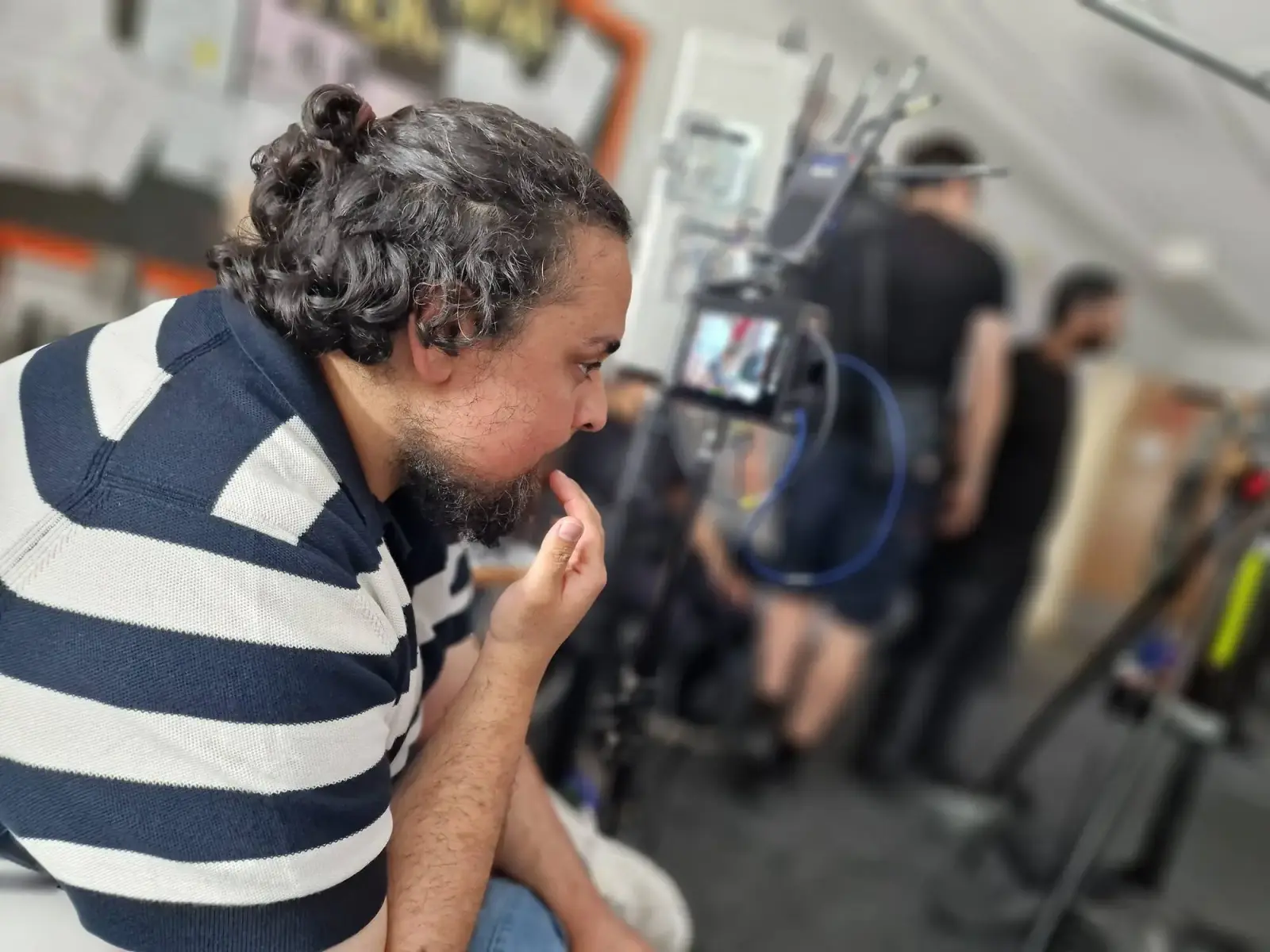
Watching the monitor during a classroom shoot
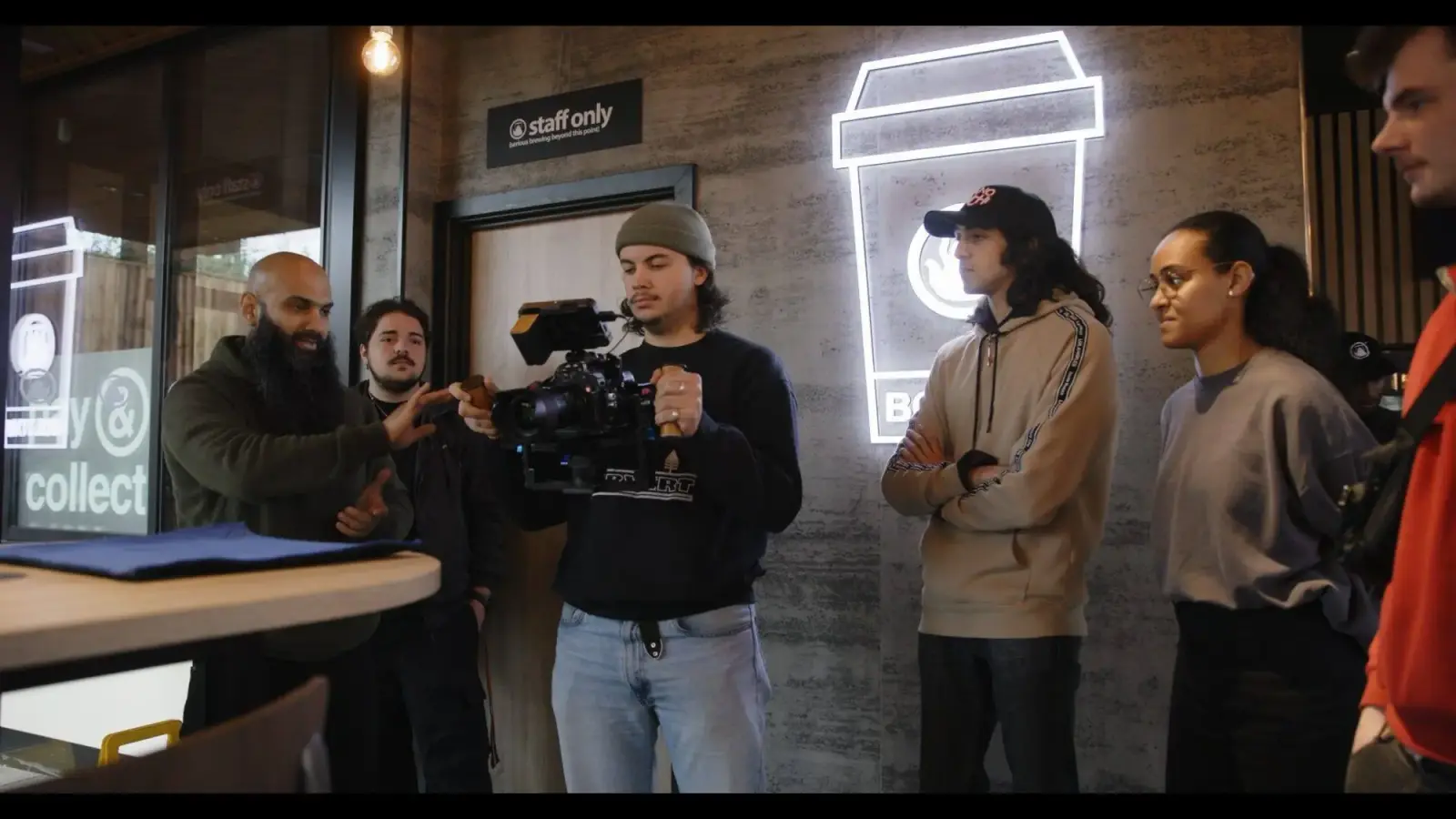
A group watches a trainee frame a shot
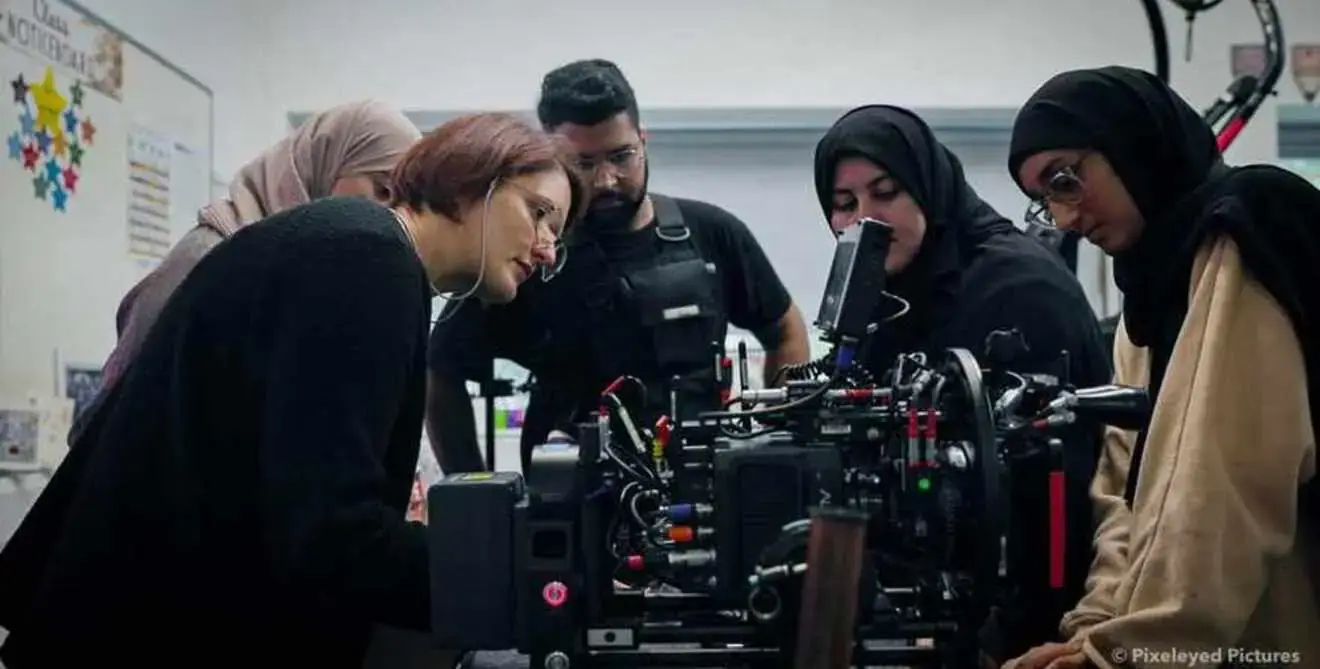
Hands on a cinema camera in a workshop
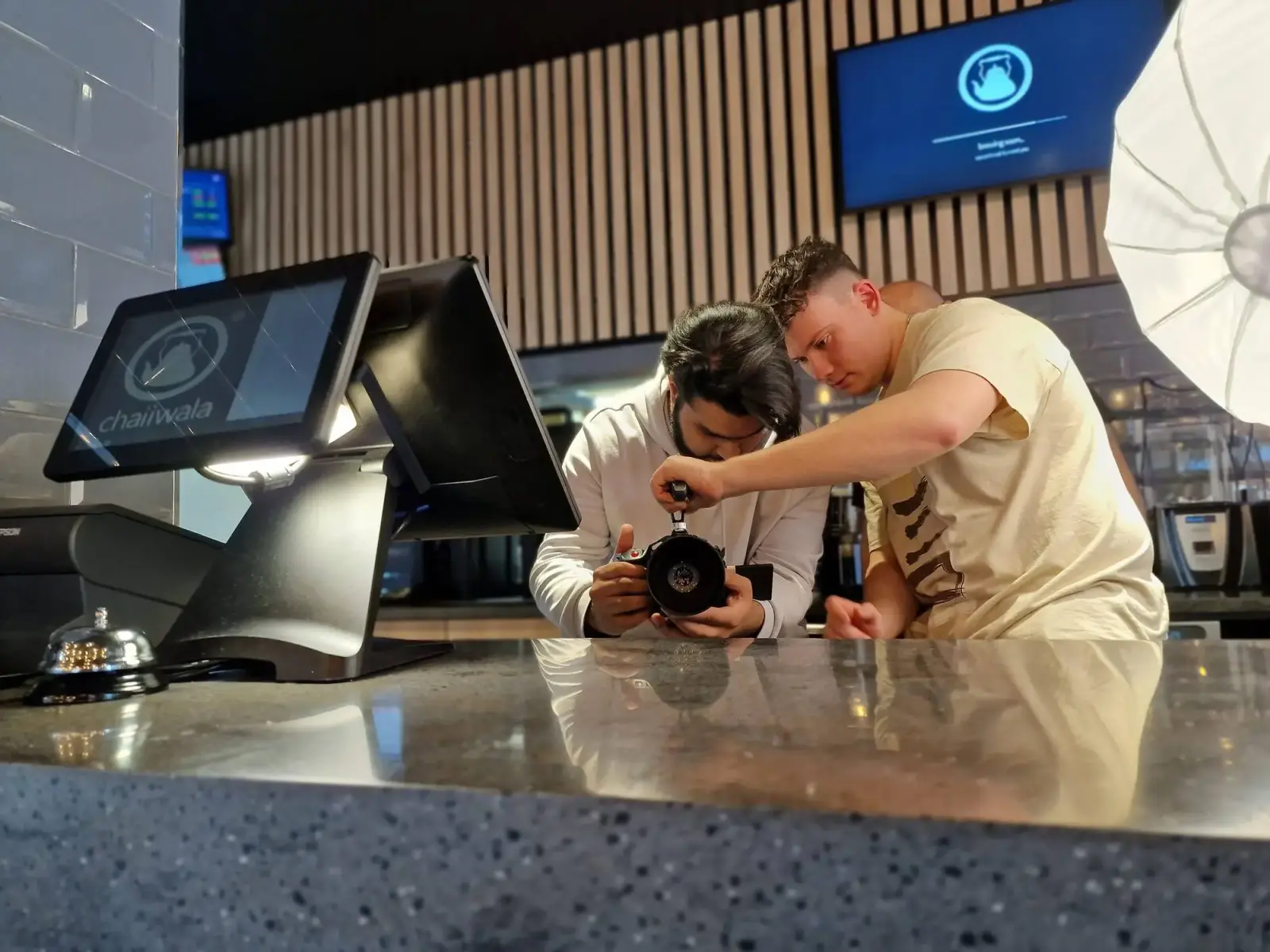
Two trainees set up a camera at a reception desk
Safeguarding and data
What you need to know.
No student data
Board mode has no sign-in and saves nothing about your class. Learner accounts are for people aged 18 or over.
Preview the films
Made by the channels named on each lesson, played in YouTube's privacy-enhanced player. Watch them first: YouTube may show other videos when a film ends.
Safety content
We teach stunts, special effects and weapons as awareness only: who is in charge, and why you stay clear. Never how to do them.
Careers links
Lessons link classroom learning to real crew jobs, supporting Gatsby Benchmark 4 (linking curriculum learning to careers). Our in-person visits can add an encounter with working crew.