
Learning path · Shooting on film
The film lab
Film after the camera: processing, push and pull, bleach bypass, rushes, scanning and telecine, prints, film-out and restoration, with UK labs as the model.
Free films in teaching order, for one craft. Watch, tick them off and test yourself. It's practice that prepares you for an Academy course. This one prepares you for Camera department Foundation.
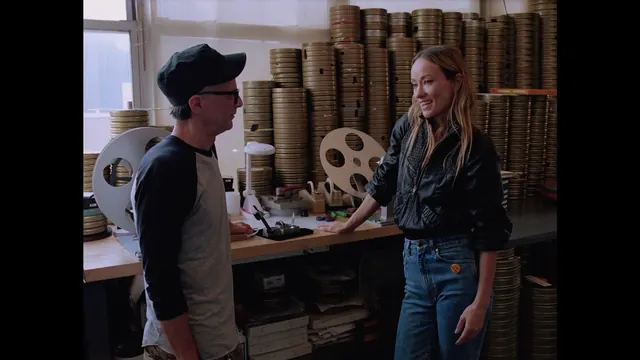
Lesson 1
Olivia Wilde gets a tour of the Kodak Film Lab in NYC
Kodak · 4:07 · original on YouTube
You will learn: See the stages of a working motion picture lab.
Note: Kodak with A24; NYC lab, same process as Kodak's London lab.
By the end you will be able to
- Explain what happens to a roll of negative in a motion picture lab
- Choose push, pull or bleach bypass and brief the lab correctly
- Understand rushes, telecine and scanning, and grade film scans in Resolve
- Describe how prints are made and how archives restore and preserve film
Test yourself
Could you do it on a set?
4 real situations, one for each thing this path teaches. It's optional practice, not pass or fail, and your answers stay on this device.
Next: do it for real
This path prepares you for Camera department Foundation.
Eight lessons in the order a camera trainee meets the job: safety, who's who, prep, kit care, slates and camera reports, media, lenses and marks.
It's free and open in the pilot. Finish it to book a competency check, then a practical on our unit.
How learning with FIF works
Learning path. Free films in teaching order, for one craft. Watch, tick them off and test yourself. It's practice that prepares you for an Academy course.
- Learn onlineFree films, paths and Academy coursesYou are here
- Competency checkA short check with us, online or in person
- In-person practicalOn our unit at Pinewood or 3 Mills
- FIF CertificateFrom the practical only
The FIF Certificate comes only from the practical. How it works · Book a competency check
 Inside SILBERSALZ: from Film to 14K Scan // Exclusive CINELAB Lab Tour // @silbersalz35labSTANDBILD · Lesson27 min.
 How Does Kodak Make Film? (Kodak Factory Tour Part 1 of 3) - Smarter Every Day 271SmarterEveryDay · Lesson57 min.
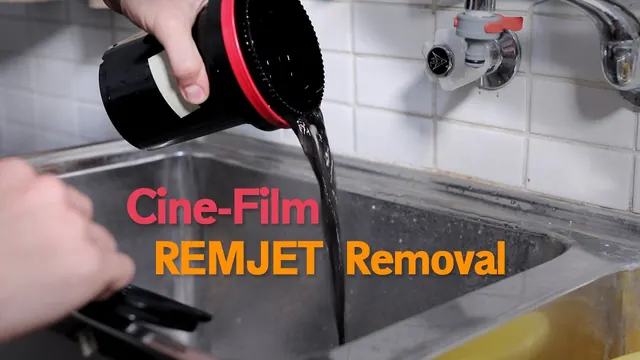 Removing the Remjet layer from cinema filmPushing Film · Lesson6 min.
 How To Develop ECN-2 Film At HomeCaptured by Sam · Lesson19 min.
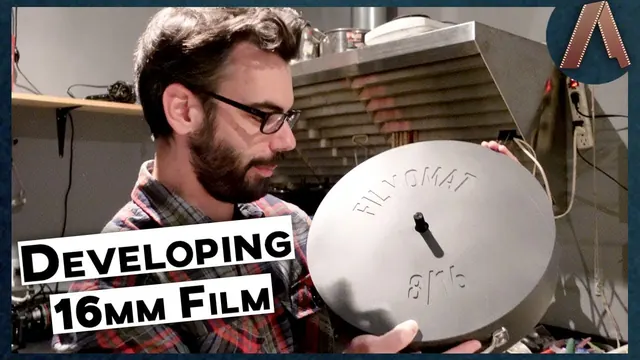 I Developed 16mm Film Without A Lab | FILMOMAT DEVELOPING TANKAnalog Resurgence · Lesson32 min.
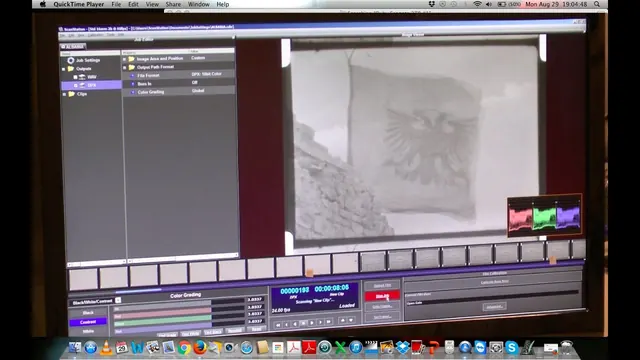 Lasergraphics ScanStation demo with 16mm home movie footageArchives in Motion (AIM) Workshops · Lesson2 min.
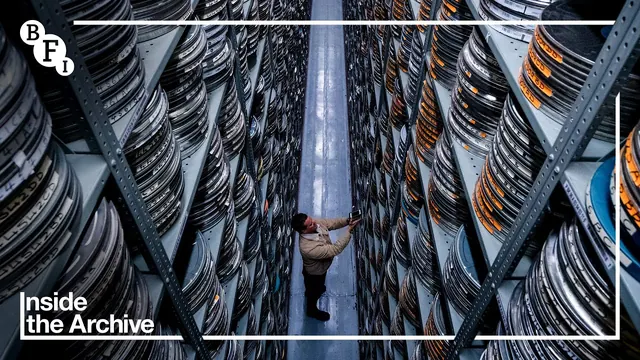 Inside the Archive: What is the BFI National Archive? | BFIBFI · Lesson2 min.
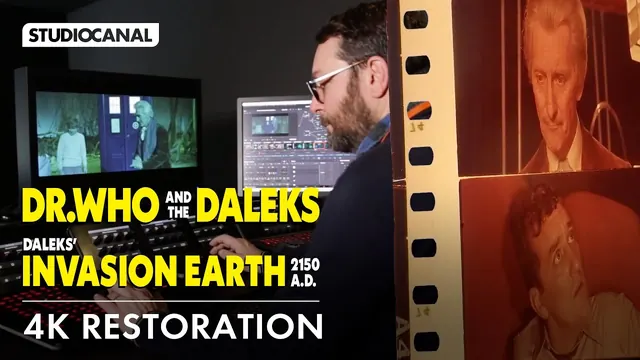 RESTORING THE DR WHO FILMS IN 4K - Film RestorationStudiocanalUK · Lesson11 min.
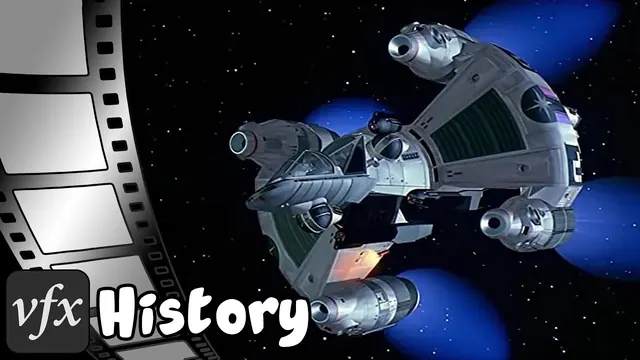 Film Recorders: how did they get CGI onto film?ShiveringCactus: VFX · Lesson21 min.
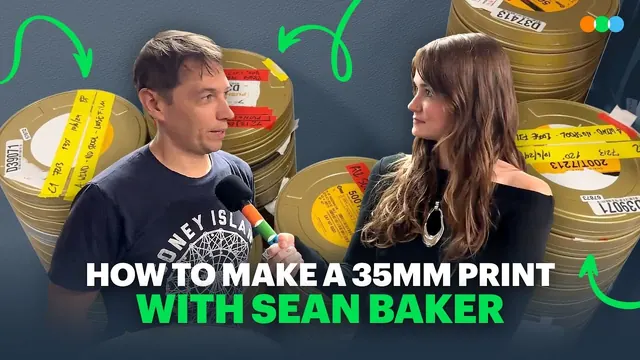 Sean Baker Takes Letterboxd to Get a 35mm Anora Print MadeLetterboxd · Lesson5 min.
Go further
Beyond YouTube, labelled honestly. Free first. Paid options are labelled.
- KODAK Film Lab London (Pinewood Studios) Paid per foot; ask for a quote
Kodak. Kodak's own UK lab: colour and B&W negative processing and scanning for motion picture film. - Cinelab Film & Digital Paid; ask for a quote
Cinelab. UK lab handling Super 8 to 65mm: processing, scanning, prints and film-out. - Kodak lab locator Free
Kodak. Find labs that process each gauge worldwide. - BFI National Archive: research and access Free (some services paid)
BFI. How the UK's national film archive works and how to use it. - Pro8mm Paid
Pro8mm. US Super 8 and 16mm specialist: film, processing, scanning and camera rental; useful reference for workflows. - FotoKem Free to browse
FotoKem. US lab behind most large-format features; good reading on 65mm workflow. - ScreenSkills e-learning Free with sign-up
ScreenSkills. UK industry body's free online modules, including camera department basics. - What film costs
Lab work is charged per foot plus scanning by resolution; ask two labs for quotes and say if you are a student or a non-profit project.
For learners and trainers
Every lesson is a free video by its original maker, played from YouTube with privacy-enhanced settings. Found a broken video? Email [email protected].