
Learning path · Post-production
Colour grading
Correct and grade in DaVinci Resolve the way colourists do: scopes, building a look, delivering HDR.
Free films in teaching order, for one craft. Watch, tick them off and test yourself. It's practice that prepares you for an Academy course. This one prepares you for the post-production course (coming).
Lesson 1
What is Color Grading?
Cullen Kelly · 18:59 · original on YouTube
You will learn: Explain what grading is for and what a colourist actually does on a project.
Note: Cullen Kelly is a working colourist; US spelling and terms.
By the end you will be able to
- Read waveform, parade and vectorscope and balance a shot with primaries
- Set up colour management and build a sensible node tree
- Make clean secondaries with qualifiers and tracked power windows
- Match shots across a scene and build a consistent look
- Explain HDR delivery and the dailies-to-final colour pipeline
Test yourself
Could you do it on a set?
5 real situations, one for each thing this path teaches. It's optional practice, not pass or fail, and your answers stay on this device.
Next: do it for real
Post-production course: coming.
There isn't an Academy course for post-production yet. Register interest and we'll tell you when it opens. Meanwhile, Day One covers safety and how a set runs for every department, and experienced crew can book a competency check directly.
How learning with FIF works
Learning path. Free films in teaching order, for one craft. Watch, tick them off and test yourself. It's practice that prepares you for an Academy course.
- Learn onlineFree films, paths and Academy coursesYou are here
- Competency checkA short check with us, online or in person
- In-person practicalOn our unit at Pinewood or 3 Mills
- FIF CertificateFrom the practical only
The FIF Certificate comes only from the practical. How it works · Book a competency check
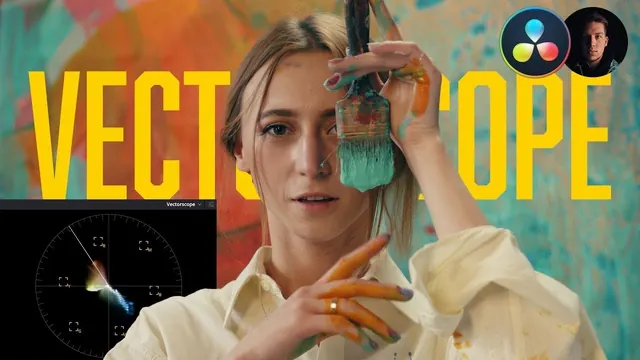 Beginner's Guide to Understanding Vectorscope in Resolve | Color Grading TutorialWaqas Qazi · Lesson12 min.
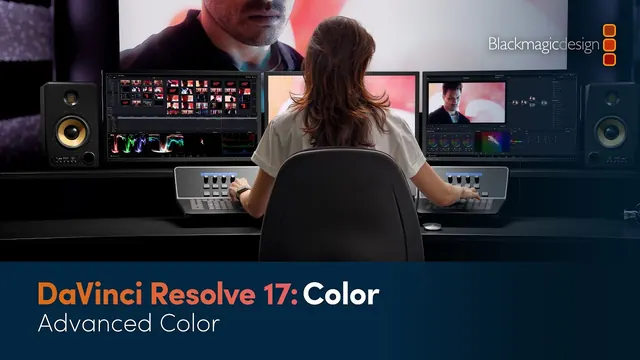 DaVinci Resolve 17 Color Training - Advanced ColorBlackmagic Design · Lesson57 min.
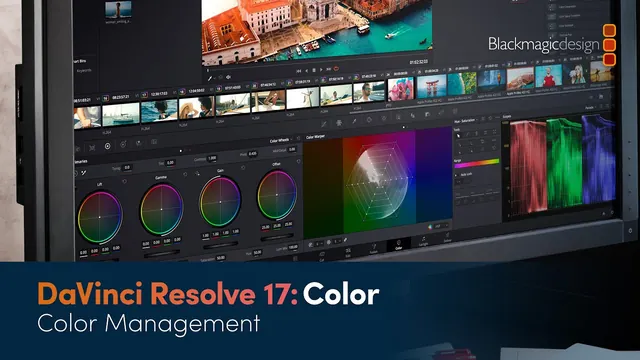 DaVinci Resolve 17 Color Training - Color ManagementBlackmagic Design · Lesson32 min.
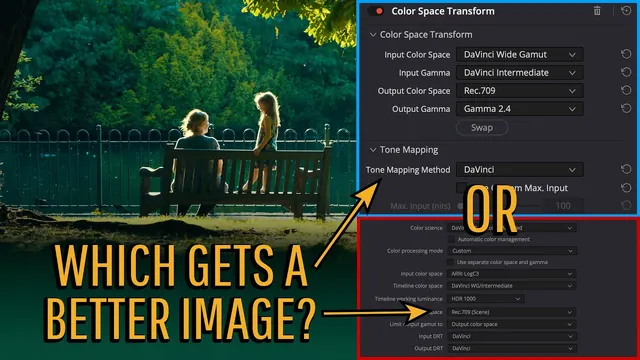 Pro Colorist Explains: CSTs vs Resolve Color ManagementCullen Kelly · Lesson8 min.
 DaVinci Wide Gamut vs ACES: Which do you choose?Cullen Kelly · Lesson15 min.
 The HDR Tool explained (and it works in SDR) - & what is DaVinci Wide Gamut ?Darren Mostyn · Lesson13 min.
 Behind the Scenes: How I work as a Pro ColoristCullen Kelly · Lesson10 min.
 Introduction to Color in Digital FilmmakingFilmmaker IQ · Lesson20 min.
 What is a Colorist?Warren Eagles · Lesson3 min.
Go further
Beyond YouTube, labelled honestly. Free first. Paid options are labelled.
- DaVinci Resolve training (official books, practice media and video) Free
Blackmagic Design. Official Resolve course books with downloadable practice media; optional paid certification exams. - ScreenSkills e-learning Free with sign-up
ScreenSkills. UK industry modules, including post-production and VFX careers material. - NFTS short courses Paid (varies by course)
National Film and Television School. UK short courses in editing, colour, post and VFX; check the current list and any bursaries. - Netflix Partner Help Center (colour and HDR guidance) Free
Netflix. Published colour-pipeline, HDR and delivery specifications used across the industry. - DaVinci Resolve training (official books, videos and certification) Free
Blackmagic Design. Official free guides and lesson media for edit, colour, Fusion and Fairlight; certification exams are optional. - Introduction to Colour Grading Paid (£675; bursaries)
NFTS. Four-day course. - Colour Grading and Finishing diploma Paid (£14,450)
NFTS. One-year diploma. - Post production explained: colour spaces part one Free with sign-up
ScreenSkills. Colour science basics. - Colorist Society Membership paid
Colorist Society International. Professional body for colourists and DITs.
For learners and trainers
Every lesson is a free video by its original maker, played from YouTube with privacy-enhanced settings. Found a broken video? Email [email protected].